Crop an Image Using GIMP
Use Drop Shadow in GIMP
Extract an Image in GIMP
Make Skies Beautiful with GIMP
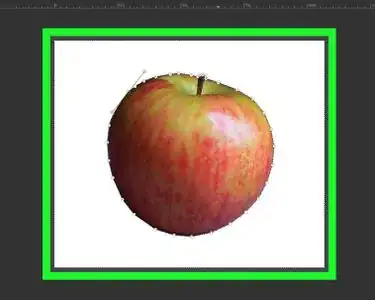
Remove a Background Using the GIMP Paths Tool
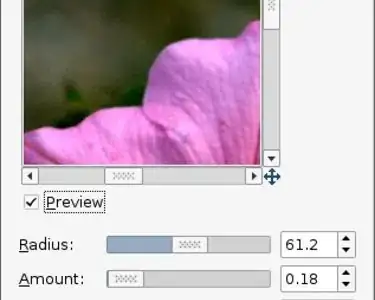
Add a Vignette to a Photograph with GIMP
De Haze a Photo with GIMP
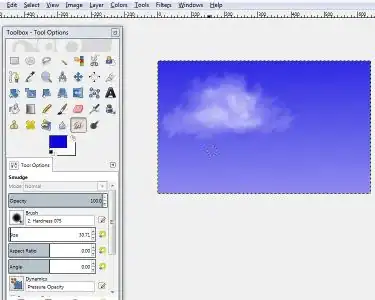
Create Clouds Using GIMP
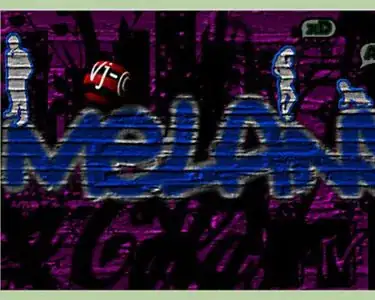
Create a Cool Graffiti Effect in GIMP
Draw a Circle in Gimp
Recolor Anything on Gimp
Make a Transparent Image Using Gimp
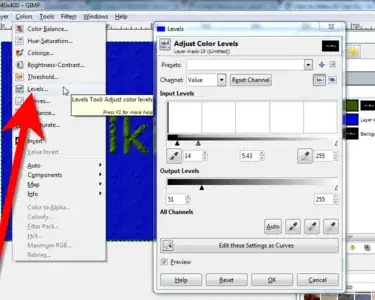
Adjust Brightness in GIMP
Install GIMP
Use the Clone Tool in Gimp
Create an Animated GIF Image with GIMP
Install Scripts Into Gimp
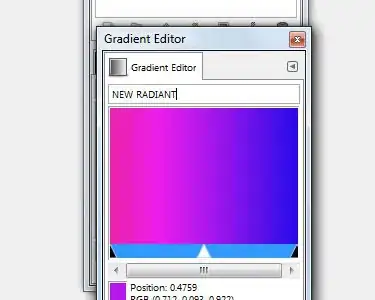
Create a Gradient in Gimp
Add Layers in GIMP
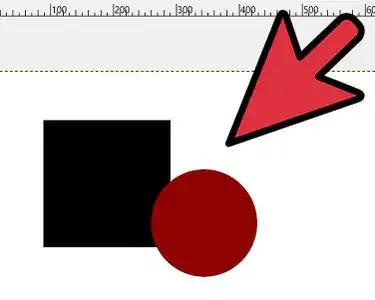
Draw Shapes in Gimp
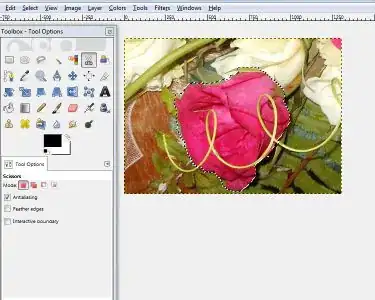
Use Scissors in Gimp
Begin Using the Pen Tool in GIMP
Use GIMP
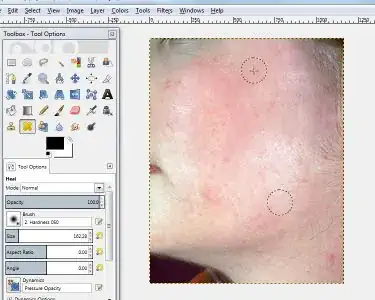
Remove Facial Blemishes on GIMP
Change the Icon Size in GIMP
Use the Gimp Eraser Tool to Remove an Image Background
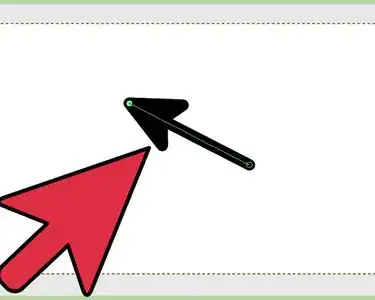
Draw an Arrow in GIMP
Outline Text in GIMP 2
Make Business Cards with GIMP
Feather Edges on GIMP
Resize Your Brushes in GIMP 2.8.6
Make a Banner With Gimp
Change Hair Color in GIMP
Make 3D Text Using GIMP
Animate a Sprite Sheet Using GIMP
Make Your Own Brush in GIMP
Composite Images in GIMP
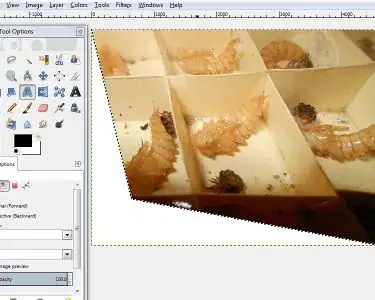
Fix Perspective in Gimp
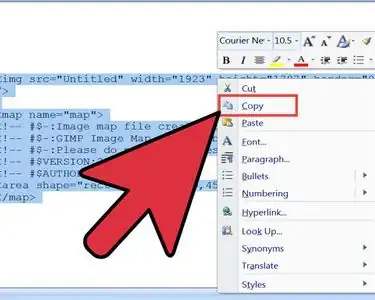
Create an Image Map Using Gimp
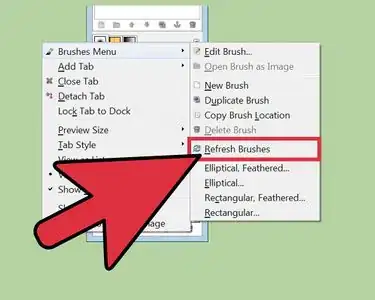
Install Gimp Brushes
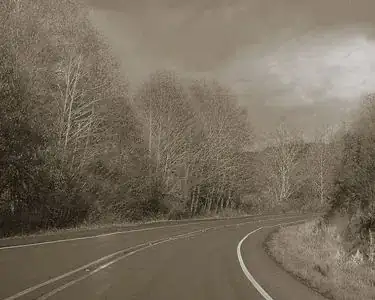
Make a Photograph Look Older Using GIMP
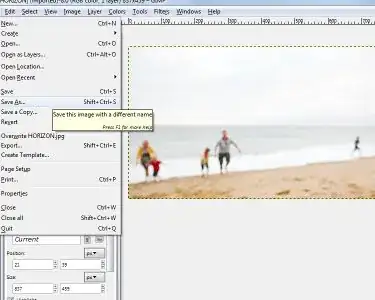
Straighten a Horizon Using Gimp
Fade an Image for an Advertisement Using GIMP
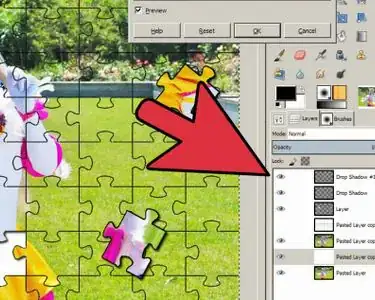
Turn a Photo Into a Puzzle Using GIMP
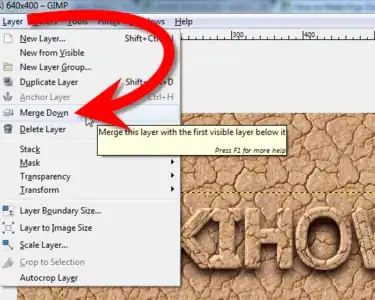
Make Pop Out Text Using GIMP
Turn a Digital Photo Into a Polaroid Using Gimp
Mask Flyaway Hair Using GIMP
Simulate Shallow Depth of Field in Gimp
Remove the Background Using a Layer Mask in GIMP