X
wikiHow is a “wiki,” similar to Wikipedia, which means that many of our articles are co-written by multiple authors. To create this article, volunteer authors worked to edit and improve it over time.
This article has been viewed 34,959 times.
Learn more...
We've all done it. We take the picture that we think will be great and then it turns out that it's crooked! GIMP is a free software that will help you fix that!
Steps
-
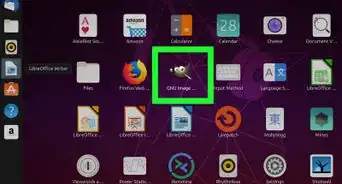
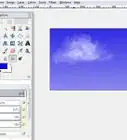
1Open up your mis-aligned image in Gimp.
-
2
-
3Click on the image. This will bring up the grid and the settings dialog box.
-
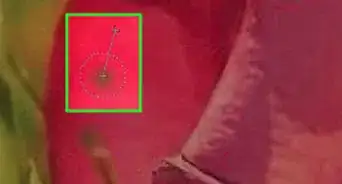
4Adjust the center of rotation if you need to. Then rotate the grid to align with the horizon.
-
5Click on the crop tool and then select the part of the image that is good. You will want to crop out the missing parts of the picture (checkerboard pattern).
-
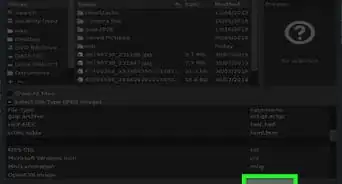
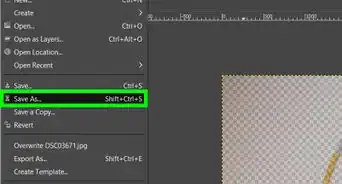
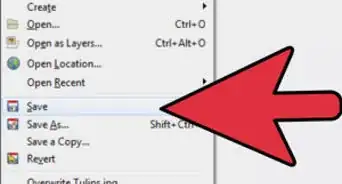
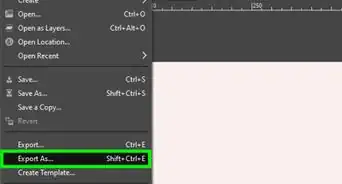
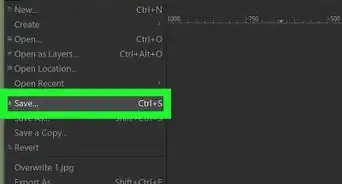
6Select Image >> Crop to Image and save your work.