X
wikiHow is a “wiki,” similar to Wikipedia, which means that many of our articles are co-written by multiple authors. To create this article, volunteer authors worked to edit and improve it over time.
This article has been viewed 129,003 times.
Learn more...
You can use gradients for masks, visual effects, and added reality to your images. This article will show you how to use the gradient ability of Gimp.
Steps
-
1
-
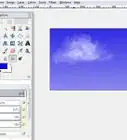
2Click on the gradient that you see. You will see a variety of options explained that you can choose from.Advertisement
-
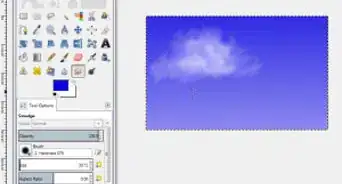
3Change the foreground and background colors to the colors that you want the gradient to be based upon.
-
4
-
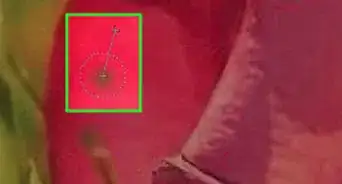
5Click on the spot and move in the direction that you want your gradient to be in. After you have dragged it the direction you want it, release the mouse.
-
6
-
7
-
8Advertisement


Warnings
- Original information for article found at Tanked Up ImagingThanks!
Advertisement

About This Article
Advertisement