X
wikiHow is a “wiki,” similar to Wikipedia, which means that many of our articles are co-written by multiple authors. To create this article, volunteer authors worked to edit and improve it over time.
This article has been viewed 83,452 times.
Learn more...
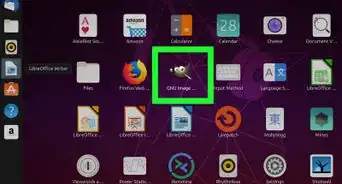
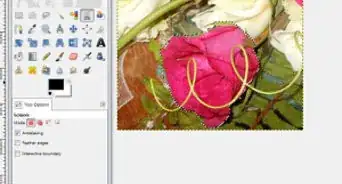
Gimp is the great free alternative to Photoshop. You can also get rid of blemishes. Maybe a pimple, mole, or birthmark? Well you could always remove them using GIMP.
Steps


Community Q&A
-
QuestionWould you say this works better than Proactive and does it come with a free brush?
 Community AnswerThis is completely different than Proactive as this is a computer program to remove the appearance of blemishes on photos. Proactive actually removes blemishes in real life.


About This Article
Advertisement