X
wikiHow is a “wiki,” similar to Wikipedia, which means that many of our articles are co-written by multiple authors. To create this article, 9 people, some anonymous, worked to edit and improve it over time.
This article has been viewed 22,819 times.
Learn more...
GIMP can be used to create a simple but effective graffiti effect that can be used to write your name, a message or even be added as a Facebook timeline cover. It's not hard to do and the end result is cool.
Steps
-
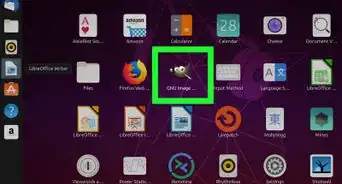
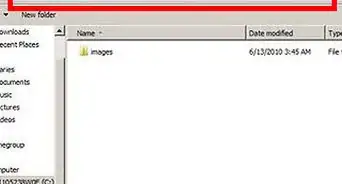
1Create a blank image with the dimensions of 850 by 320 pixels.
-
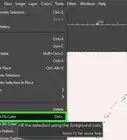
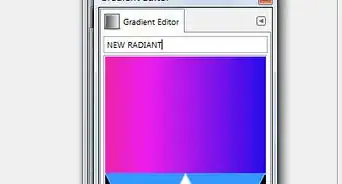
2Fill in a desired color. Pink is used here.Advertisement
-
3
-
4Apply some "Graffiti" brushes. Create a new layer and apply some desired ones. If you don't have them, download them and install them.
-
5Choose the color that you want and choose your font. Type in the name of the person you're creating it for (or any other message).
-
6Right click on your text layer and click on "Alpha to selection". This will select your text.
-
7Go to Select >> Grow. Grow your selection by 7 pixels.
-
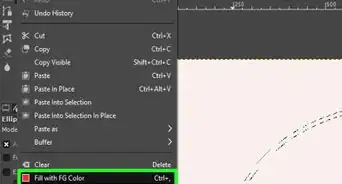
8Create a new layer and put it below your text layer. Fill it with any desired color––click on "Select None".
-
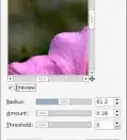
9Apply a Gaussian blur of 5 pixels each on both the text layer and the color layer.
-
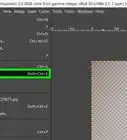
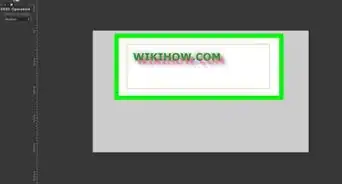
10Merge both your text and color layers together. Open the brick texture again and apply a bump mapped texture to your text layer. To do that, place your brick texture over your text layer, select the text layer and right click and hit on alpha to select. Select the texture layer, press "ctrl+i" on your keyboard (it's a shortcut for invert), then hit your delete key. You should now see something like the image shown here.
-
11Click on "Select None". As you did previously, add a bump mapped texture to your text layer.
-
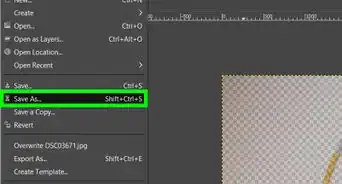
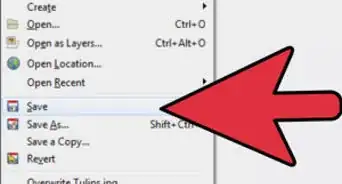
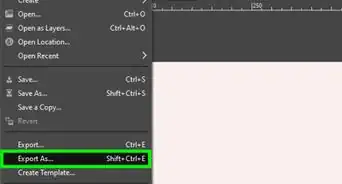
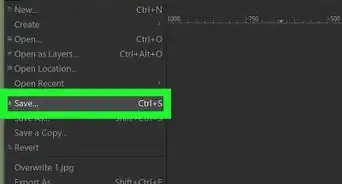
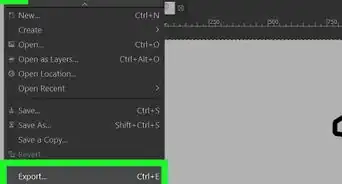
12That being done, you are finished. You can merge all the layers and save it to your desired format in your desired location. Check the image at here for a finalized example.Advertisement


Warnings
- Intermediate level experience in the use of "GIMP" needed.Thanks!
Advertisement
Things You'll Need
- A PC or Mac with minimum 4GB ram
- GIMP, preferably the latest version,"Gimp 2.8"
About This Article
Advertisement