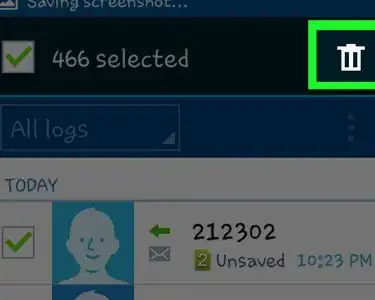
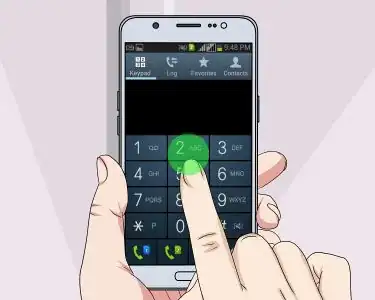
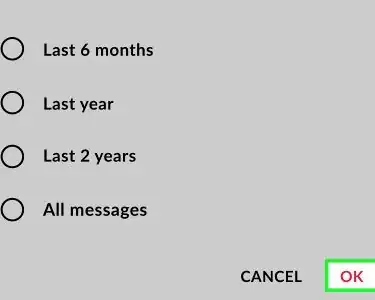
Delete Call History on a Samsung Galaxy
Root the Samsung Galaxy S3
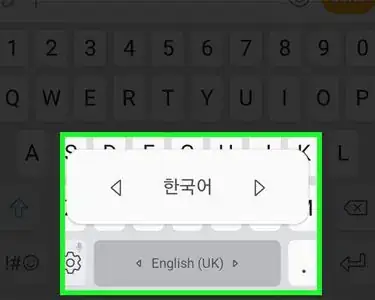
Type in Korean on Samsung Galaxy
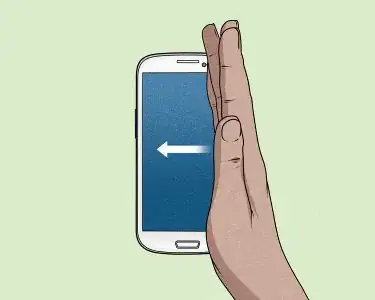
Take a Screenshot on Galaxy S3
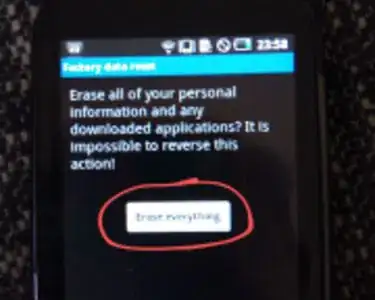
Hard Reset a Samsung Galaxy 5 Europa (GT‐I5500)
Back Up the Samsung Galaxy S4
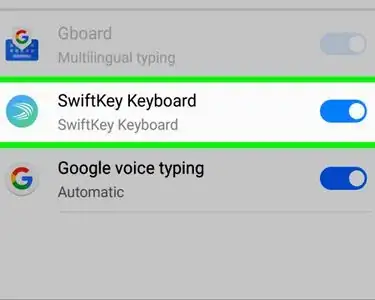
Disable a Keyboard on Galaxy
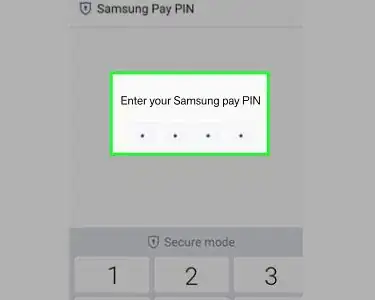
Use Samsung Pay
Access Samsung Cloud on Samsung Galaxy
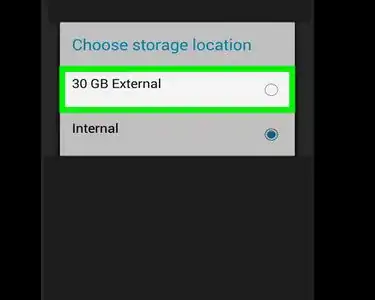
Move Music to the Sd Card on Samsung Galaxy
Root the Samsung Galaxy S2
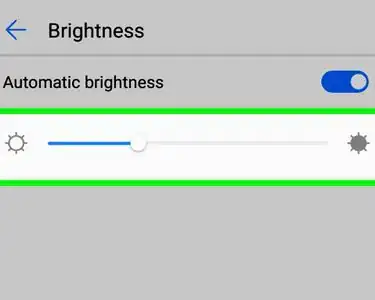
Adjust the Brightness on Samsung Galaxy
Back Up the Samsung Galaxy
Format a Samsung Galaxy
Open Link in a New Tab on Samsung Galaxy
Update the Galaxy S2
Format the Memory Card on a Samsung Galaxy Device
Download Apps on the Samsung Galaxy S3
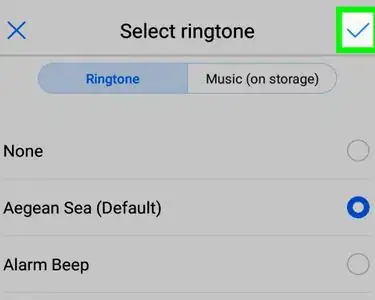
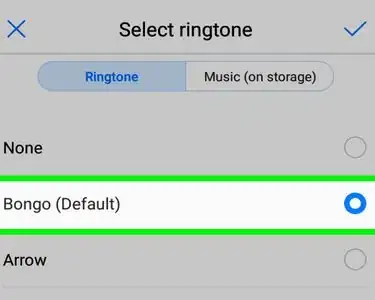
Change the Alarm Ringtone on Samsung Galaxy
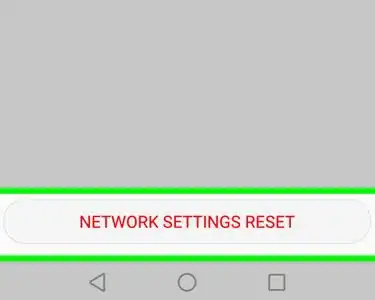
Reset Network Settings on Samsung Galaxy
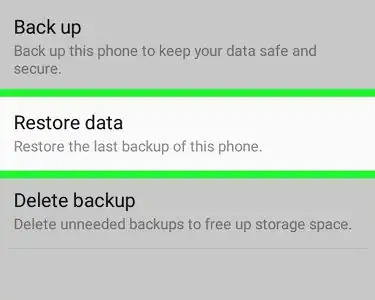
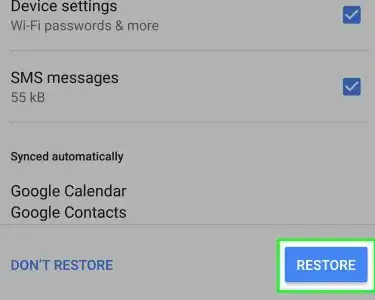
Recover Backup Files on Samsung Galaxy
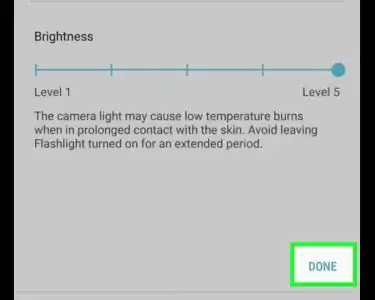
Adjust Flashlight Brightness on Galaxy S9
Remove the Privacy Protection Password on a Samsung Galaxy S4
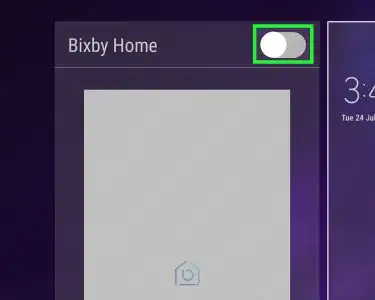
Turn Bixby Off on Samsung Galaxy
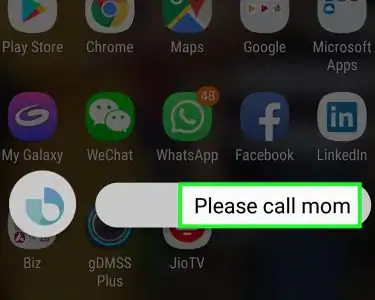
Call Bixby on Samsung Galaxy
Type a Rupee Symbol on Samsung Galaxy
Restore a Phone on Samsung Galaxy
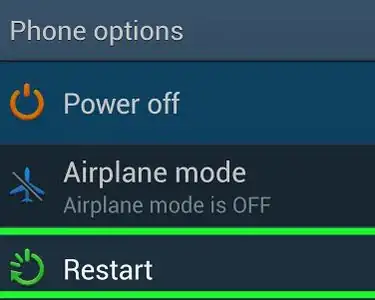
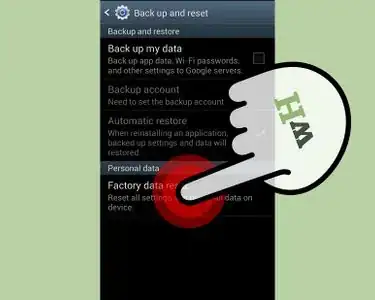
Reset a Samsung Galaxy
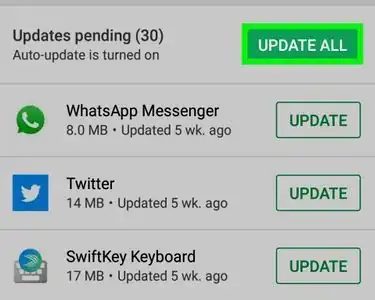
Update Apps on Samsung Galaxy
Set an Unlock Pattern on Samsung Galaxy
Access Bixby on Samsung Galaxy
Change the Notification Sound on Samsung Galaxy
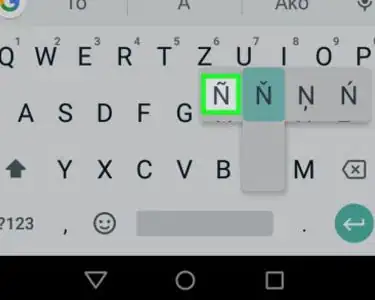
Type an Enye on Samsung Galaxy
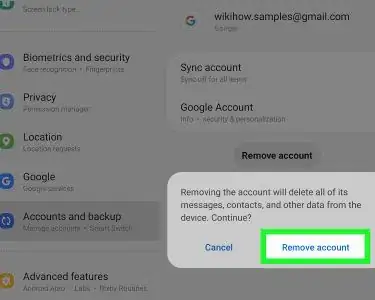
Sign Out of the Play Store on a Samsung Tablet
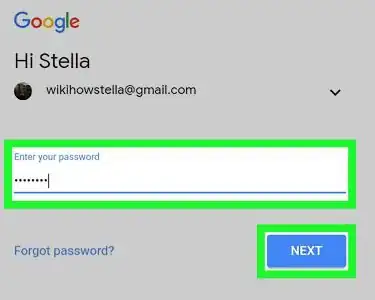
Switch Google Accounts on Galaxy
Load a Samsung Galaxy in Safe Mode
Block the GPS Signal on Samsung Galaxy
Restore Samsung Galaxy S7
Add a Google Account on Samsung Galaxy
Take a Screenshot on S4
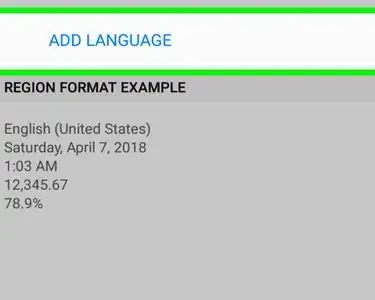
Change Your Keyboard Language on Samsung Galaxy
Uninstall Amazon Assistant on Samsung Galaxy
Restore Contacts from Verizon Cloud on Samsung Galaxy
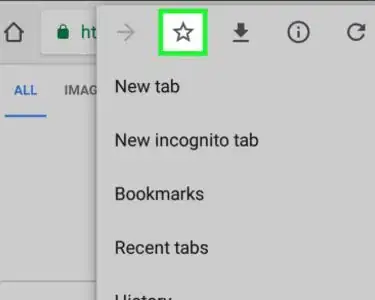
Save Bookmarks in Chrome on Galaxy
Turn Off Safe Mode on Samsung Galaxy
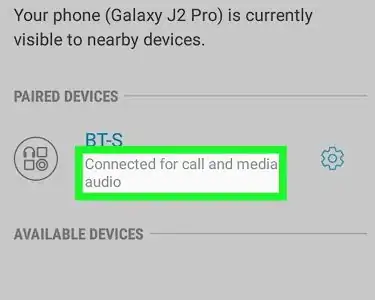
Use Bluetooth Headphones on Samsung Galaxy