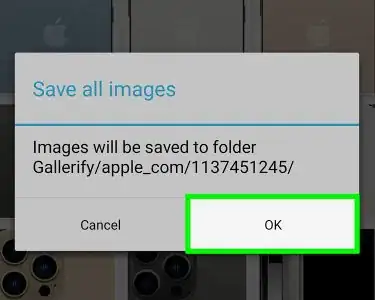
Download All Images on a Web Page at Once
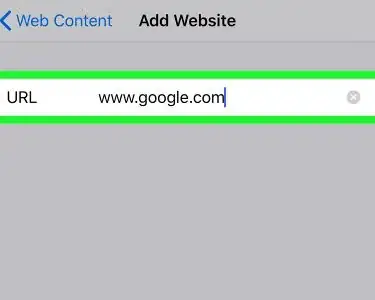
Block Websites on Firefox
Transfer Bookmarks from One Computer to Another
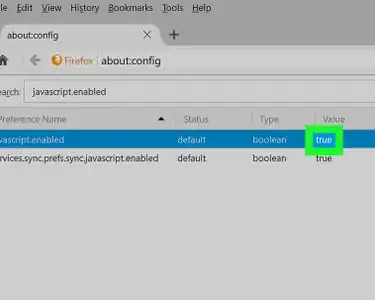
Enable Java in Firefox
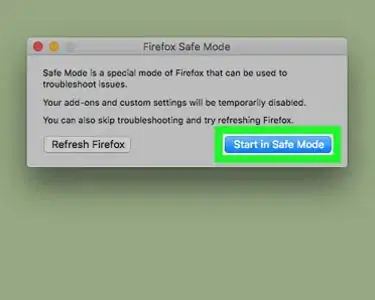
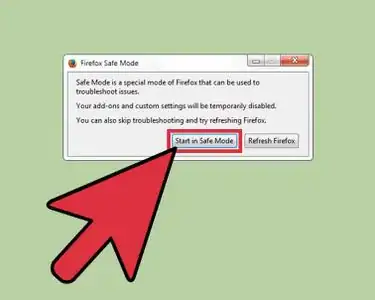
Start Firefox in Safe Mode
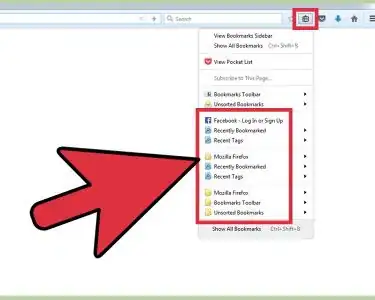
Export Bookmarks from Firefox
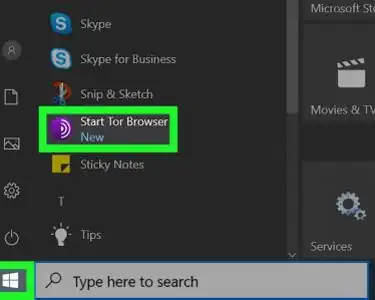
Use Tor with Firefox
Downgrade Firefox
Download and Install Mozilla Firefox
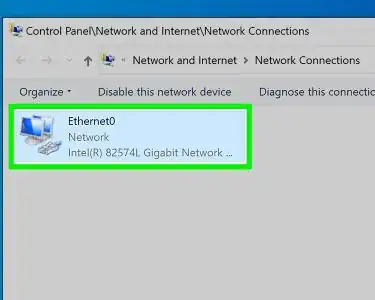
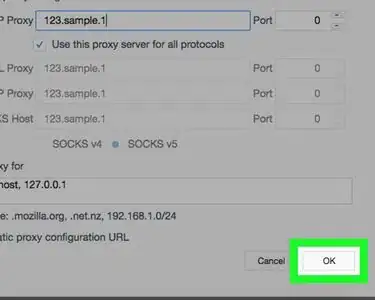
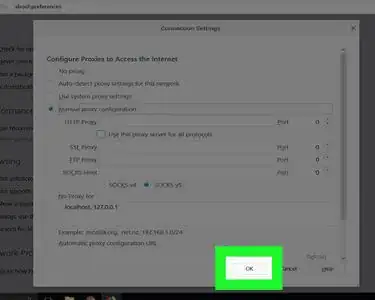
Enter Proxy Settings in Firefox
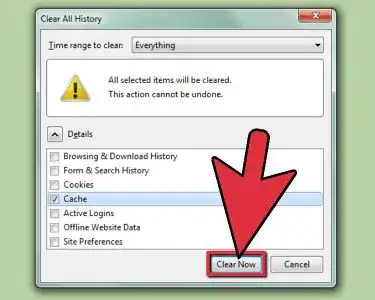
Clear the Cache in Firefox
Block and Unblock Internet Sites with Firefox
Restore Firefox Settings
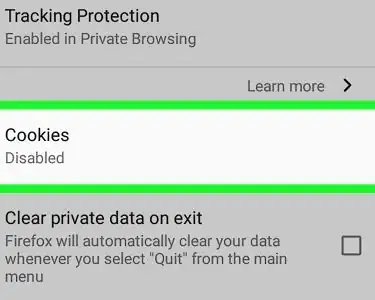
Enable Cookies in Firefox
Disable "No Right Click" Scripts in Firefox
Disable Pop Up Blocker on Firefox
Change your Start Page on Mozilla Firefox
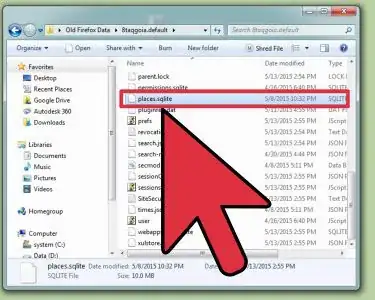
Restore Firefox Bookmarks
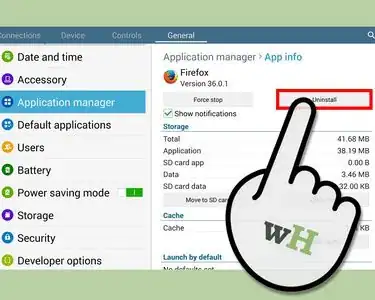
Uninstall Firefox
Get Mozilla Firefox Out of Safe Mode
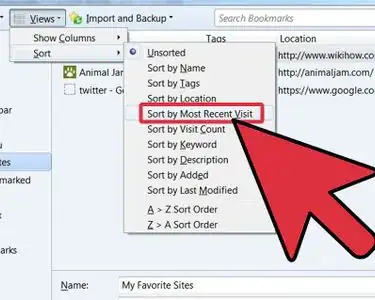
Organize Bookmarks in Firefox
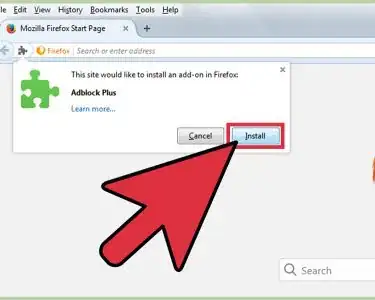
Install Firefox Extensions
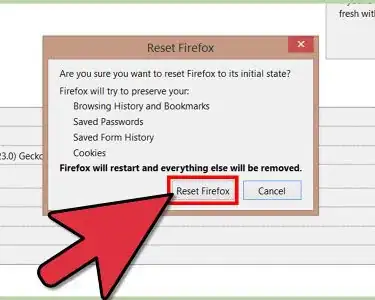
Reset Firefox
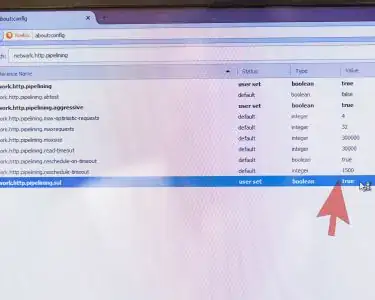
Make Firefox Load Pages Faster
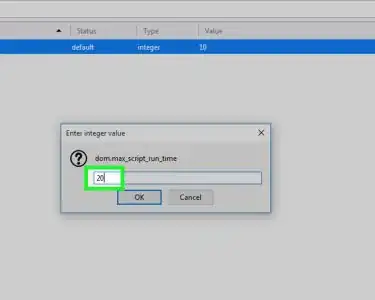
Stop Firefox from Consuming CPU Cycles
Turn On Javascript in Mozilla Firefox
Take a Screenshot on Firefox
Work Offline in Mozilla Firefox
Troubleshoot Firefox
Speed Up Firefox
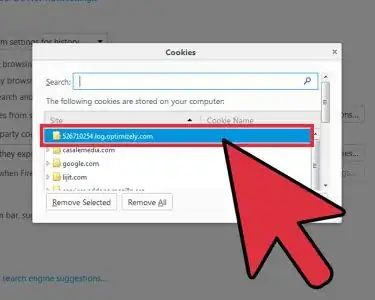
Clear Cookies in Firefox
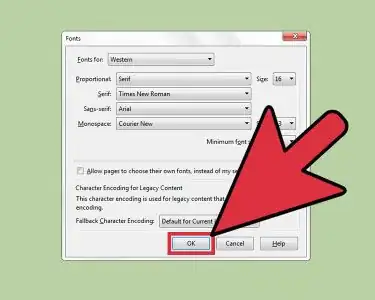
Change the Default Font in Firefox
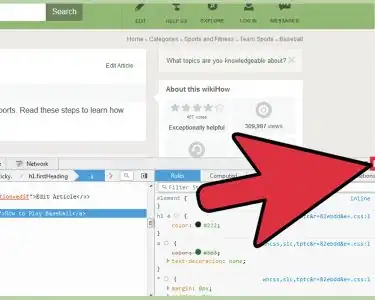
Use Inspect Element in Mozilla Firefox
Use Mozilla Firefox, Portable Edition
Change Where Downloaded Files Are Saved in Firefox
Create a Firefox Profile
Create a Firefox Account
Turn Off Autocomplete in Firefox
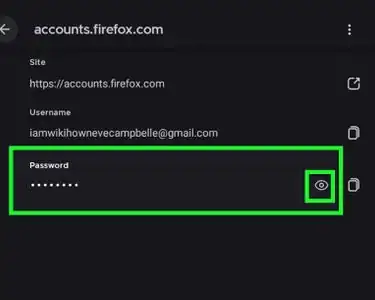
See Saved Passwords in Firefox
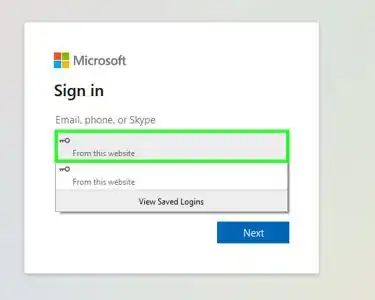
Save Passwords in Firefox
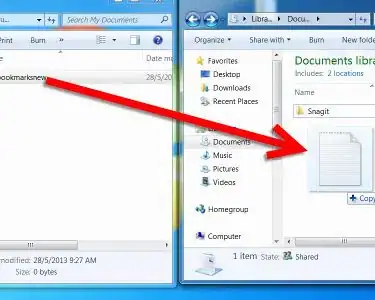
Transfer Firefox Bookmarks to a New PC
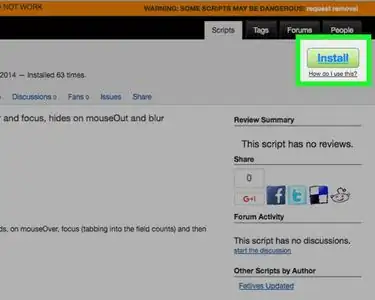
Use Greasemonkey
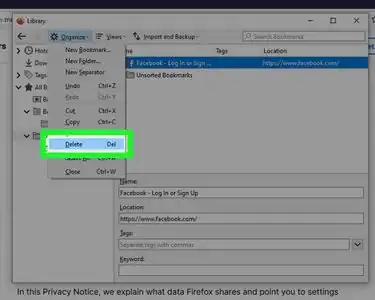
Delete a Bookmark in Mozilla Firefox
Block Pop–ups in Firefox
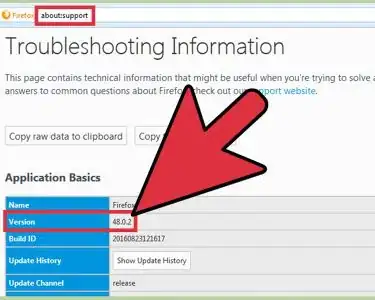
Find Which Version of Firefox You Are Using
Change the Tab Settings on Firefox
Back Up Firefox Extensions, Bookmarks, Themes, and Preferences
View Source Code in Firefox
Change Firefox Icons
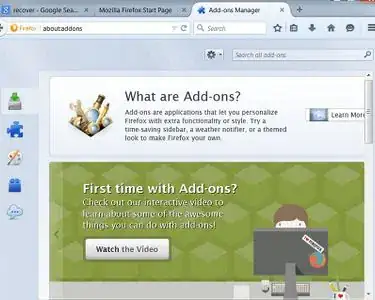
Enable Add Ons
Check for Updates in Mozilla Firefox
Clear Cookies and Cache in Firefox
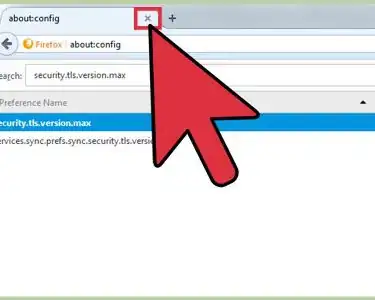
Enable TLS 1.3 in Mozilla Firefox
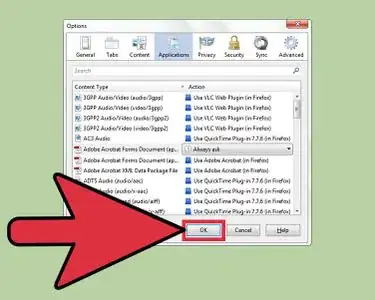
Change Firefox Application Settings
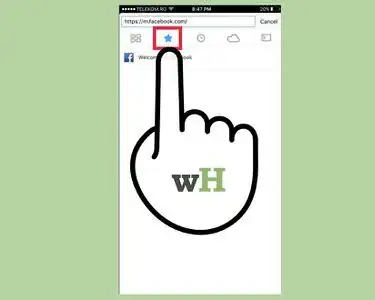
Bookmark a Page in Mozilla Firefox
Remove Bookmarks Toolbar in Firefox
Delete Browsing History in Firefox
Change Your Security Settings on Firefox
Uninstall Firefox Addons
Sign Out of Mozilla Firefox On PC
Set Up Multiple Home Pages in Firefox
Use Firefox Sync
Transfer Bookmarks from Safari to Firefox
Take a Screenshot using Firefox and Windows
Print Web Pages With Firefox