X
This article was co-authored by Chris Batchelor, a trusted member of wikiHow's volunteer community. Chris Batchelor is a wikiHow community member and technology enthusiast. He has experience using a range of different platforms and software, and likes to keep up with updates and new features.
This article has been viewed 64,209 times.
Learn more...
You are probably reading this article, because you want to cleanup some of your add-ons in Firefox. Right? Well, although this article won't tell you which ones to cleanup, this article will tell you how to correctly clean them up, so you can free up space or stop bad add-ons from causing your browser from crashing after installation.
Steps
-
1
-
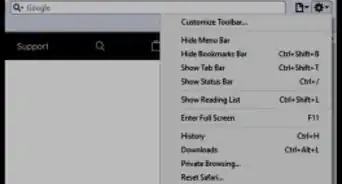
2Click the "Firefox" button from the top-left corner of the browser screen.Advertisement
-
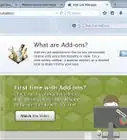
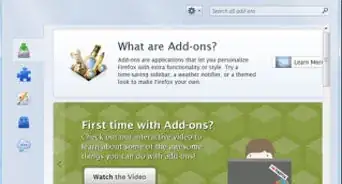
3Click "Add-ons" option.
-
4Click the "Extensions" tab.
-
5Locate the add-on you'd like to remove.
-
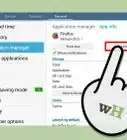
6Click on the center area of the listing you'd like to remove. This makes it easier to locate the border and see exactly which buttons you'll need to click. Use the buttons that are situated only inside the box you've highlighted each time you find add-ons to remove.
-
7Click the "Disable" button.
-
8Wait for the add-on to be disabled.
-
9Click the "Remove" button, if the item has a removal tool, or has not been pre-installed with the browser itself at Firefox installation time.
-
10Wait for the Firefox browser to remove the add-on. It will ask you later to restart your browser to completely remove the add-on. You'll need to complete this step for each add-on separately.Advertisement


Community Q&A
-
QuestionI have WBE paste and Workspace email zoom installed and it's creating problems. They have been automatically disabled and I want to remove them but there is no remove button available. What do I do?
 Community AnswerBased on what I have seen and read, those seem to be part of a Malware infection "Starfield". You can follow the instructions here - ithreats.net/2011/01/17/how-to-remove-starfield/ - to remove them. You could also uninstall Firefox, run CCleaner (piriform.com) reboot, then reinstall.
About This Article
Advertisement