X
This article was written by Jack Lloyd. Jack Lloyd is a Technology Writer and Editor for wikiHow. He has over two years of experience writing and editing technology-related articles. He is technology enthusiast and an English teacher.
The wikiHow Tech Team also followed the article's instructions and verified that they work.
This article has been viewed 656,014 times.
This wikiHow teaches you how to use Command Prompt to open Task Manager on a Windows computer.
Steps
-
1
-
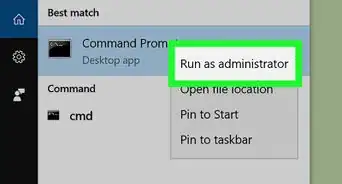
2Scroll down and click Windows System. This folder will be near the bottom of the Start window.
-
3
-
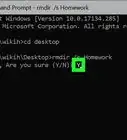
4Type taskmgr into Command Prompt. This is the command to open the Task Manager program from within any directory on your computer.
-
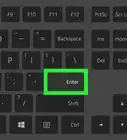
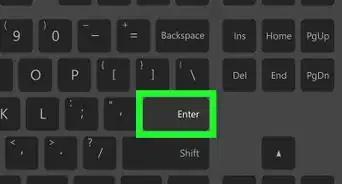
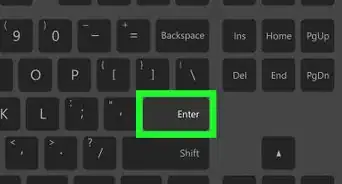
5Press ↵ Enter. Doing so runs the command. You should see the Task Manager window open after a brief moment.


Community Q&A
-
QuestionHow do I get the "keyboard" on the computer so I can type in taskm?
 Community AnswerYou can run the "On-Screen Keyboard." It's located in the "Windows Ease of Access" folder inside the Start menu.
Warnings
- While you don't need to have administrator access on your computer to run this command, some networked computers will restrict your access to Command Prompt itself.Thanks!
-Files-in-Command-Prompt-Step-6.webp)
About This Article
Article SummaryX
1. Open Start.
2. Click Windows System.
3. Click Command Prompt.
4. Type taskmgr into Command Prompt and press ↵ Enter.
Did this summary help you?