X
wikiHow is a “wiki,” similar to Wikipedia, which means that many of our articles are co-written by multiple authors. To create this article, volunteer authors worked to edit and improve it over time.
This article has been viewed 13,275 times.
Learn more...
Drawing an arrow is very easy in OpenOffice. Read this article to learn how.
Steps
-
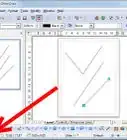
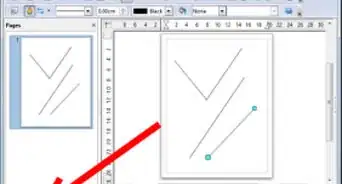
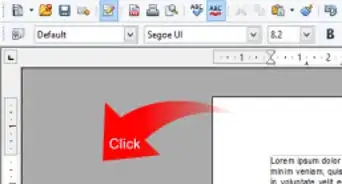
1Click on the arrow icon. Arrows are drawn like lines. Draw classifies arrows as a subgroup of lines: Lines with arrowheads. They are shown in the information field on the status bar only as lines. Click on the icon to draw an arrow.
-
2Draw the lines and arrows.
- Click on the small black triangle on the button to open a floating toolbar with 10 tools for drawing lines and arrows.
- Alternatively you can click directly on the symbol to repeat the last used command chosen from this toolbar. In both cases the last used command will be stored on the toolbar to make it quicker to call it up again.
Advertisement


References
- This article was created from this wiki
About This Article
Advertisement