X
wikiHow is a “wiki,” similar to Wikipedia, which means that many of our articles are co-written by multiple authors. To create this article, volunteer authors worked to edit and improve it over time.
This article has been viewed 44,037 times.
Learn more...
Apache OpenOffice can is a great alternative for Microsoft Office because it features many additional improvements, but best of all, it is free. Here is how to install it on a Linux computer.
Steps
-
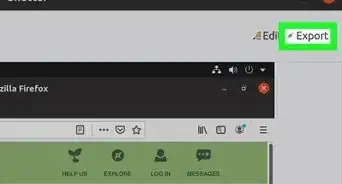
1Download the correct package for your distro from here. OpenOffice offers a DEB package or an RPM package. Normally, the DEB package is designed for Debian/Ubuntu, and the RPM package for Fedora, OpenSuse or Mandriva.
-
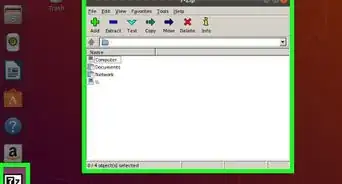
2Extract the downloaded archive. Since it is an archive, you need to extract it. You can do that using your package program, or you can do it using this terminal command: tar -xzvf Apache_OpenOffice_3.4.1_Linux_x86-64_install-deb_ar.tar.gz. You may need to change the name in the text above to fit your package.
-
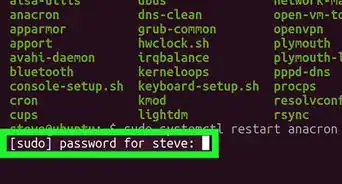
3Become root and install all the packages. In Debian/Ubuntu and other related distros, type the following command into the terminal: sudo dpkg -i *.deb. You will be required to provide an administrative password to run this command. If you are using a different distro, check below to see the command you should use:
- OpenSuse: sudo zypper install *.rpm.
- Fedora: sudo yum localinstall *.rpm.
- Mandriva: sudo urpmi *.rpm
-
4If you wish, add a shortcut of OpenOffice to your desktop. The executable file is located here:
/opt/openoffice.org3/program/soffice.


Community Q&A
-
QuestionThe above instruction doesn't work for Ubuntu MATE. Any alternatives?
 SomoneCommunity AnswerLibreoffice is a useful suite of office tools that will probably work for Ubuntu MATE.
Warnings
- The Apache OpenOffice file is a big file, and downloading it could take a long time.Thanks!