Activate Windows XP Without a Genuine Product Key
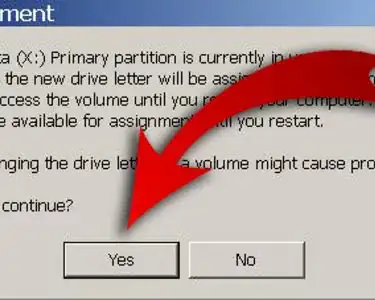
Fix the Volume on Your Computer in Windows
Make Windows XP Genuine Forever
Activate Windows XP
Change the Language of Your Computer (Windows XP)
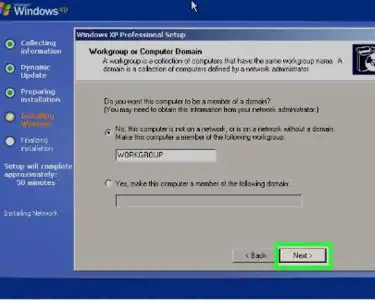
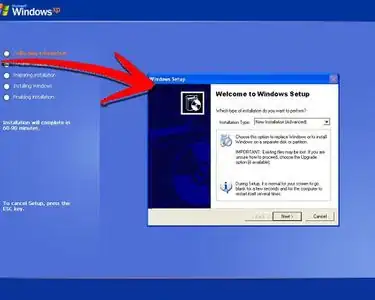
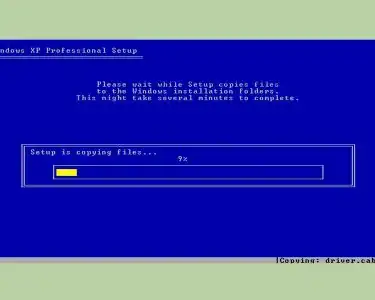
Install Windows XP
Create a Bootable Windows XP ISO from a Folder
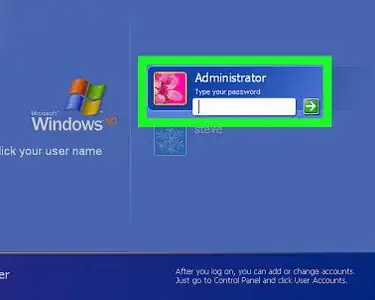
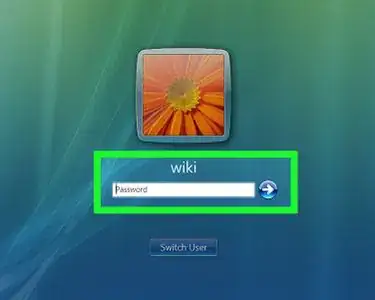
Log on to Windows XP Using the Default Blank Administrator Password
Set Up Internet Connection Sharing for Windows XP
Change a Windows XP Product Key
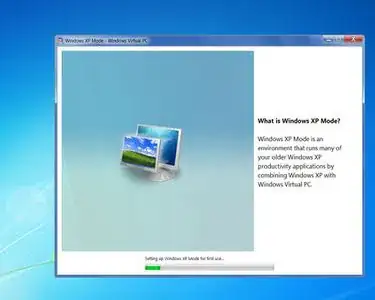
Install Windows XP Mode in Windows 7
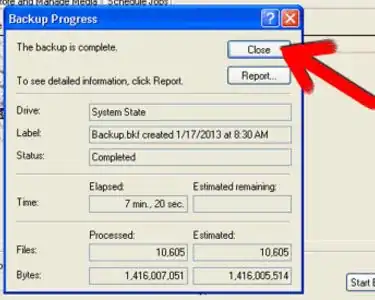
Back Up Windows XP
Speed up a Windows XP Computer
Reinstall Windows XP Without the CD
Make a Windows XP Bootable Disk Using a ISO File
Login to Windows XP as the Administrator
Alter Startup Programs in Windows XP
Do a Windows XP "Repair Install"
Clear All Files from a Computer Running Windows XP
Retrieve Passwords in Windows XP
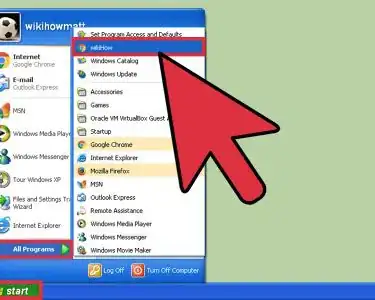
Add a Website Link to the Start Menu
Reinstall Windows XP
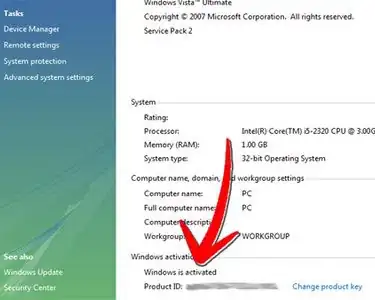
Check if Windows XP Is Activated
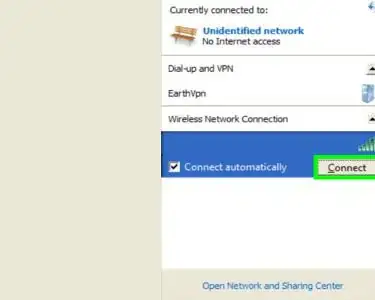
Set up a Wireless Network in Windows XP
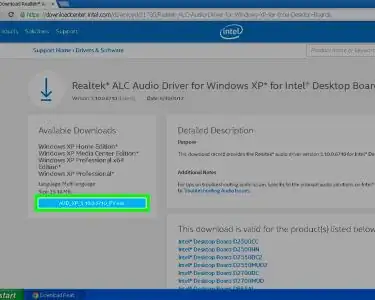
Install Audio Drivers on Windows XP
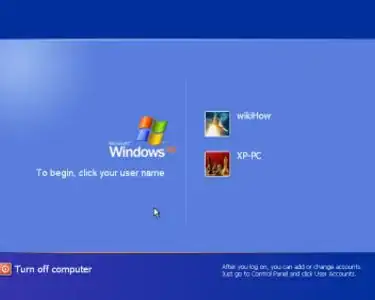
Enable Automatic Logon in Windows XP
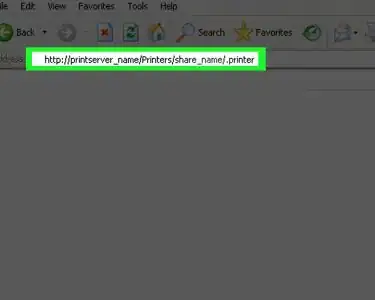
Add a Network Printer in Windows XP
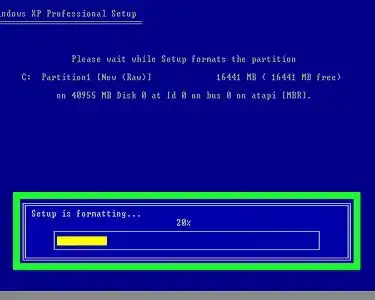
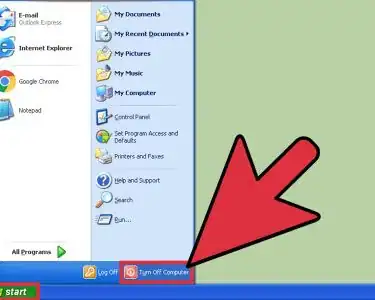
Reformat a PC Running Windows XP
Format the C Drive on a Windows XP SP2
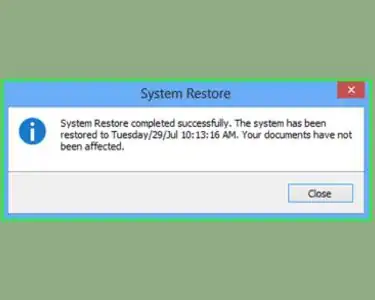
Use System Restore in Windows XP
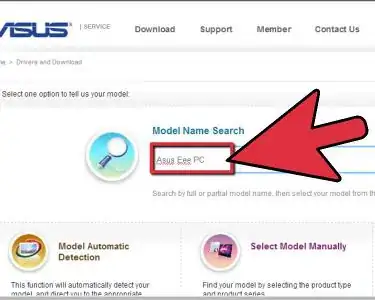
Install Windows XP on an ASUS Eee PC Using a USB Drive
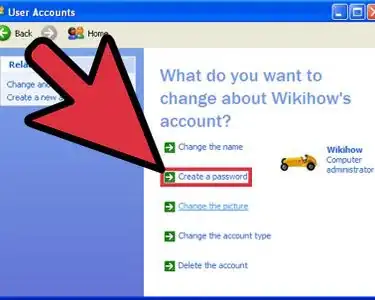
Create a New User Account in Windows XP
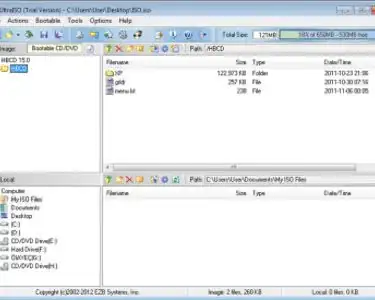
Open an ISO File in Windows Using UltraISO
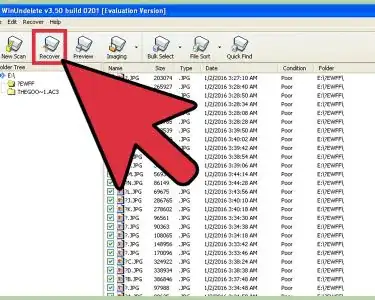
Restore Deleted Files in Windows XP
Make Windows XP Startup Faster
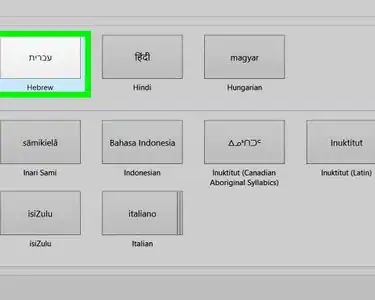
Install Hebrew Keyboard on Windows
Repair Windows XP from a Boot CD
Upgrade Windows XP to Vista
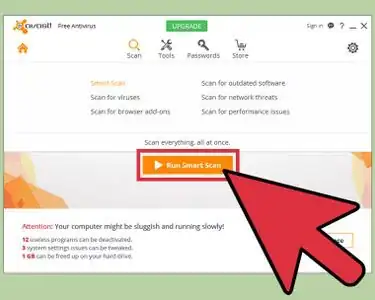
Remove a Virus and Repair Windows XP for Free
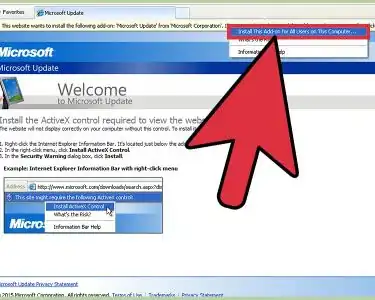
Install ActiveX on Windows XP
Reset Your Windows Password on Windows XP or Windows Vista Operating Systems
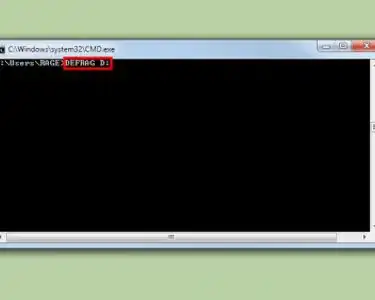
Defragment a Windows XP Computer
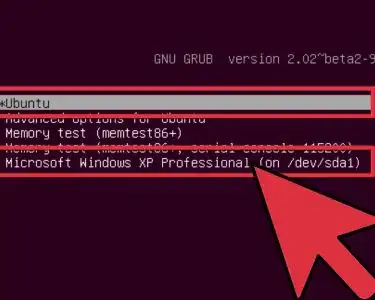
Dual Boot Windows XP and Ubuntu
Slipstream Your SATA Drivers Into a Windows XP Installation CD Using nLite
Free Up Disk Space on a Windows XP PC
Configure IIS for Windows XP Pro
Shrink a Windows XP Partition
Change a Drive Letter in Windows XP
Use the Remote Desktop Connection in XP
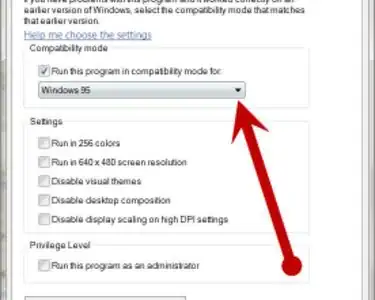
Play Windows 95 Games on a Windows XP
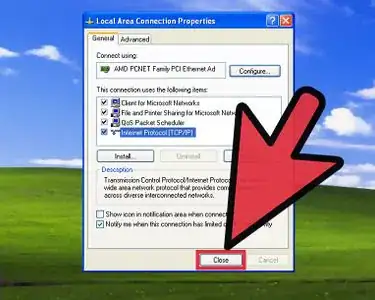
Set up DHCP Network Settings on Windows XP
Use Windows XP
Restore Your Windows XP Computer
Edit Group Policy in Windows XP
Format a PC and Install Windows XP SP3
Install the Volume Control Program to Your Windows XP Desktop
Perform a Backup on Windows XP
Easily Resize Photos in Windows XP
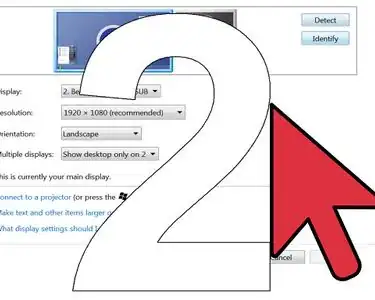
Use Extended Desktop View in Windows XP