X
wikiHow is a “wiki,” similar to Wikipedia, which means that many of our articles are co-written by multiple authors. To create this article, volunteer authors worked to edit and improve it over time.
The wikiHow Tech Team also followed the article's instructions and verified that they work.
This article has been viewed 42,738 times.
Learn more...
Printing a web page in an Internet Explorer browser is vital to all Internet Explorer browser users. This article will tell you how to run this vital process.
Steps
-
1Open your Internet Explorer browser.
-
2Locate the page you'd like to print through any way you find easiest.Advertisement
-
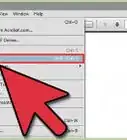
3Right-click anywhere on the clean background of the browser.
-
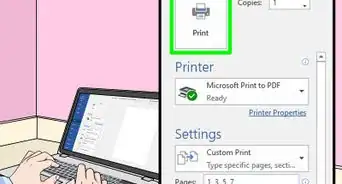
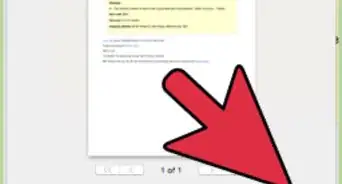
4Click "Print"
-
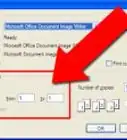
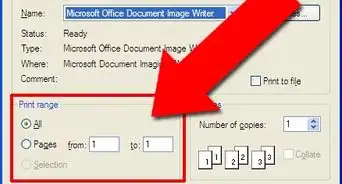
5Fix the print settings for your desired print options. This includes the quantity of copies desired, page selection locations, page orientation (portrait (default) to landscape and vice versa) and selected printer.
-
6Click the "Apply" button, if you've made changes at first.
-
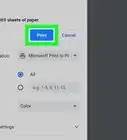
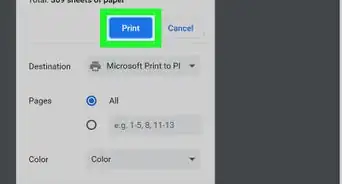
7Click the "Print" button if you haven't made changes.Advertisement


Community Q&A
-
QuestionHow do I print pictures from an article on the internet that won't print normally?
 Community AnswerDo a screenshot and transfer the image to a Word document, then print from there. Easy as.
Things You'll Need
- Internet Explorer browser
- computer mouse and keyboard
- printer


About This Article
Advertisement