X
wikiHow is a “wiki,” similar to Wikipedia, which means that many of our articles are co-written by multiple authors. To create this article, volunteer authors worked to edit and improve it over time.
This article has been viewed 5,781 times.
Learn more...
You have 15 GB of free storage to use across Google Drive, Gmail, and Google Photos. Knowing this, you can use your Gmail account as a sort of USB drive, for online data storage.
Steps
-
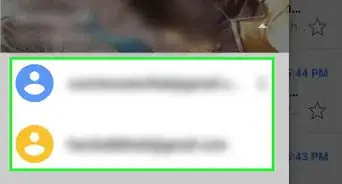
1Go to Gmail. Go to Gmail and sign in with your email address.
-
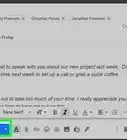
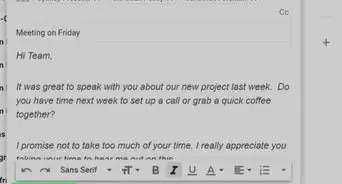
2Compose a new mail. Add your file as attachment. Note that Gmail doesn't support files larger than 50MB.Advertisement
-
3Send the email to your own address. For example, if your email address is example@gmail.com, type the same email on "To" box.
-
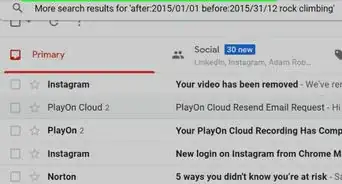
4Done. You can see the file on your inbox. Organize or archive it as you'd like. You can also access your files by logging in to Gmail from any web browser.Advertisement


Warnings
- Gmail doesn't support files larger than 50MB, so you won't be able to store large files.Thanks!
- As a security precaution, Gmail blocks some file types as attachments, such as executable files with EXE file extensions.Thanks!
Advertisement



References
About This Article
Advertisement