X
wikiHow is a “wiki,” similar to Wikipedia, which means that many of our articles are co-written by multiple authors. To create this article, 12 people, some anonymous, worked to edit and improve it over time.
The wikiHow Tech Team also followed the article's instructions and verified that they work.
This article has been viewed 44,983 times.
Learn more...
Do you make videos for YouTube but feel limited because of you can only upload fifteen minute videos? All you need is a simple verification of your account. This article will tell you how to do that.
Steps
-
1Get a mobile phone.
-
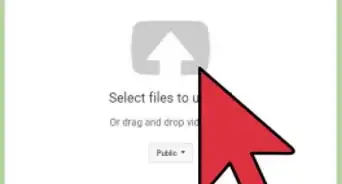
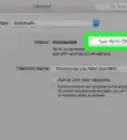
2Go to the verify page on YouTube.
-
3You will be asked for your phone number. Type it in.
-
4Select the method in which you would like to receive your verification code. This can be through a voice call or SMS. Usually SMS is easier.
-
5Make sure you have an active SIM card. The verification code is free of charge.
-
6Type in the code once you got it. You will be notified once your account has been upgraded.


Community Q&A
-
QuestionI need an easier way, I don't know my verification code.
 Community AnswerThere is no easier way. You should be able to have your verification code resent to your mobile phone.
 -
QuestionNow how long can my videos be?
 Hjalte MogensenCommunity AnswerIf you have followed the steps above, then there is no limit.
Warnings
- You may have to use a different phone if you already used it to verify another account.Thanks!
- Verification may not work in every country.Thanks!
Things You'll Need
- Mobile Phone
- YouTube Account