X
wikiHow is a “wiki,” similar to Wikipedia, which means that many of our articles are co-written by multiple authors. To create this article, volunteer authors worked to edit and improve it over time.
This article has been viewed 65,883 times.
Learn more...
Windows 8.1 preview is a preview version of Windows, and is the successor to Windows 8. It introduces many new features, and if you want to try it out on your Computer today, this guide will tell you how to do it.
Steps
-
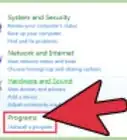
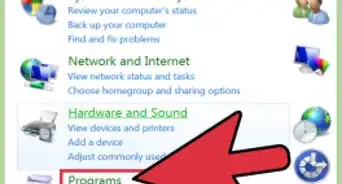
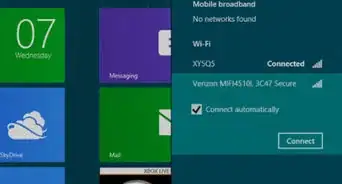
1Back up all files and programs.
-
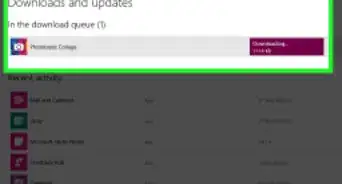
2Download Windows 8.1 preview ISO from the official website (http://windows.microsoft.com/en-us/windows-8/preview-iso)Advertisement
-
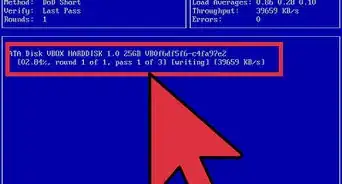
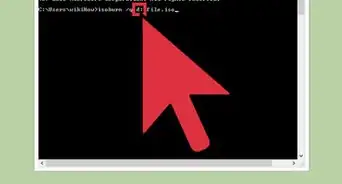
3Insert a blank disk into your Disk tray.
-
4
-
5Reboot your PC with the disk still in the tray.
-
6Go to your BIOS configuration screen.
-
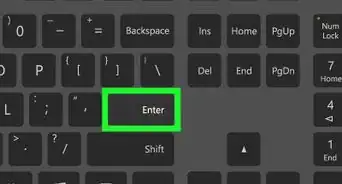
7
-
8Reboot again.
-
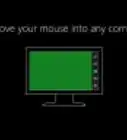
9The system should boot to the Windows 8.1 setup screen. If it doesn't you probably did something wrong.
-
10Use this product key :- NTTX3-RV7VB-T7X7F-WQYYY-9Y92F .
-
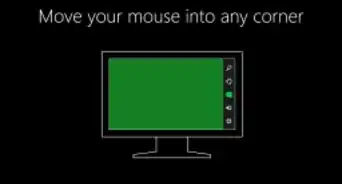
11Configure your PC settings in the setup.
-
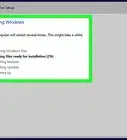
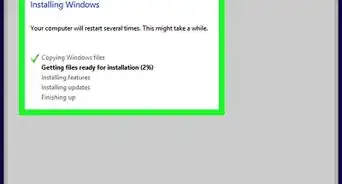
12Follow the setup instructions till the setup finishes.
-
13Windows 8.1 preview is now installed!Advertisement


Warnings
- Take a backup of all your data. You will need to restore it if something goes wrong.Thanks!
Advertisement
Things You'll Need
- A blank DVD
- A DVD Burner

About This Article
Advertisement