X
wikiHow is a “wiki,” similar to Wikipedia, which means that many of our articles are co-written by multiple authors. To create this article, volunteer authors worked to edit and improve it over time.
This article has been viewed 31,225 times.
Learn more...
Exporting Thunderbird mail is often necessary as it is a means to back up data.
Steps
-
1You need a plugin for this. Go to https://addons.mozilla.org/en-US/thunderbird/addon/importexporttools. Download this plugin by pressing download now. and press Ok on the dialogue box that opens.
-
2Once the download ends, open Thunderbird.
-
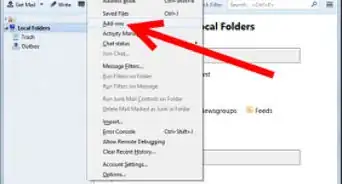
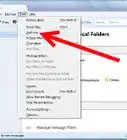
3Go to Tools -> Add-ons.
-
4Press Tools for all Add-ons -> Install Add-on from file.
-
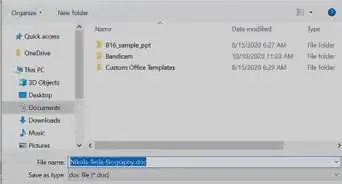
5On the dialogue box that opens, explore to the file that you downloaded. Select it and press Open.
-
6Press Install Now.
-
7Press restart now.
-
8Thunderbird will restart. Now you have completed a major step.
-
9Once the Thunderbird opens, go to Tools. Press ImportExportTools. Select Export all messages in a folder and voila! You have a hell lot of options to choose from how to export and preserve your mails.