X
wikiHow is a “wiki,” similar to Wikipedia, which means that many of our articles are co-written by multiple authors. To create this article, 10 people, some anonymous, worked to edit and improve it over time.
The wikiHow Tech Team also followed the article's instructions and verified that they work.
This article has been viewed 114,823 times.
Learn more...
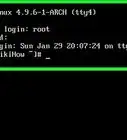
Changing a password on Linux can be confusing for those who are unfamiliar with it. This guide will show you how to change your account's password for most Linux systems.
Steps
-
1Open the Terminal if using a desktop environment. The keyboard shortcut to do this is Ctrl+Alt+T.
-
2Type
passwdin the terminal. Then press ↵ Enter.Advertisement -
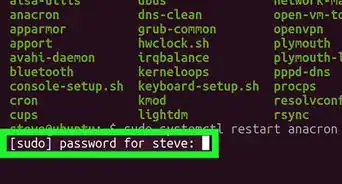
3If you have the right permissions, it will ask you for your old password. Type it in. The password characters will not be displayed on the screen while you type so onlookers will not be able to guess at the length of the password.
-
4After entering your old password, enter in the new desired password. You will need to confirm it again after the first time. Then hit ↵ Enter and you will have reset your password using the terminal.Advertisement


Community Q&A
-
QuestionHow do I change the admin password?
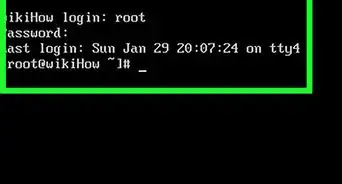
 Living ConcreteTop AnswererTo change the root password, you will need to log in as root. Depending on your Linux distribution, you can do this a variety of ways. Most common distributions require you to become root using the command "sudo -i", "sudo su -", or "su root". You may then change the root password by executing the "passwd" command.
 -
QuestionI can't type letters for my Terminal password. What should I do?
 SomoneCommunity AnswerThe password you type becomes invisible, but it's still there. Just be careful not to make a mistake in the password.
 -
QuestionI had forgetten my login password. How can I change it?SomoneCommunity AnswerRefer to our article How to Reset Forgotten Password in Linux for help resetting your login password.
About This Article
Advertisement