Basic Computer Skills
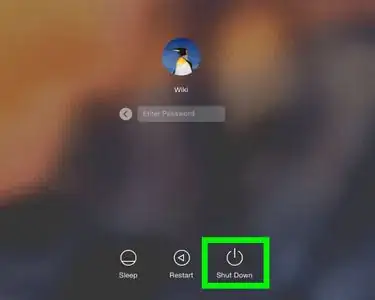
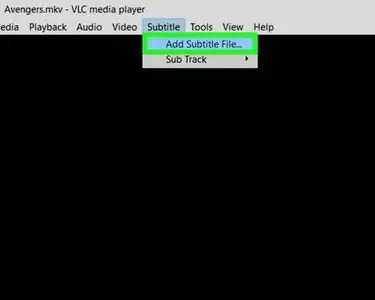
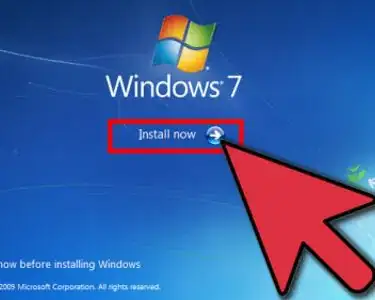
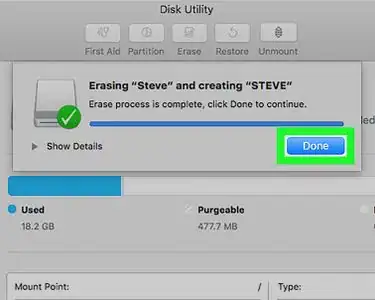
Nothing is more frustrating than figuring out a new computer or dealing with glitches! wikiHow's Basic Computer Skills category has step-by-step articles, complete with screenshots, to help you learn key skills, like how to select all, copy and paste, turn off caps lock, print a document, and much more. If you're having problems with your computer, you can also find information on how to restore it to factory settings or troubleshoot the issue.
Featured Articles
Articles about Basic Computer Skills
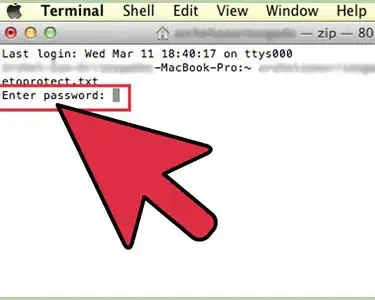
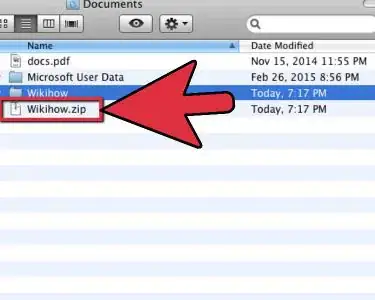
Make a Zip File
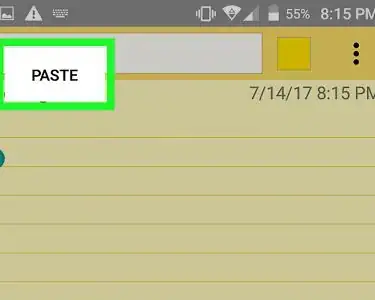
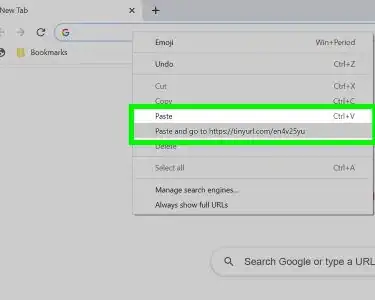
Copy and Paste a Link
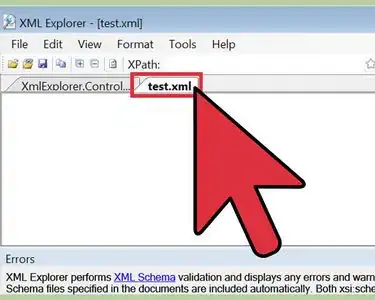
Open XML
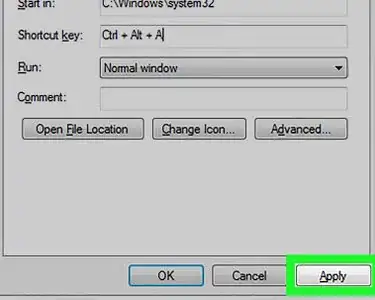
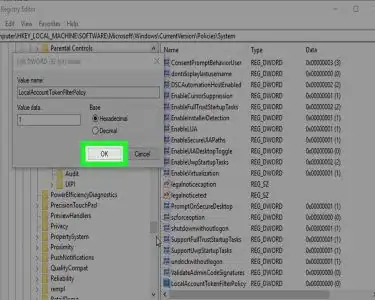

Refresh a Page
Jitter Click
Turn Off Driving Mode

Select All
Unzip a File
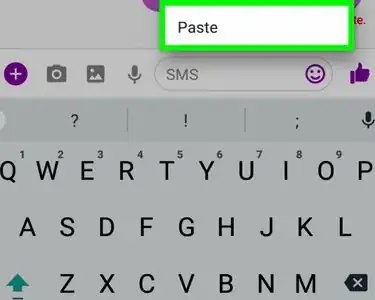
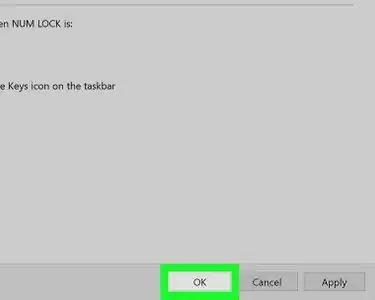
Turn Off Caps Lock

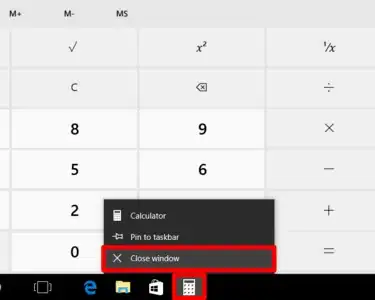
Close Windows
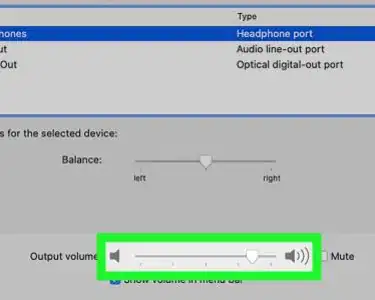
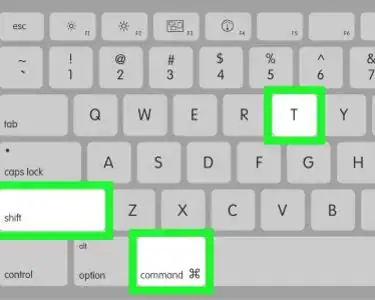
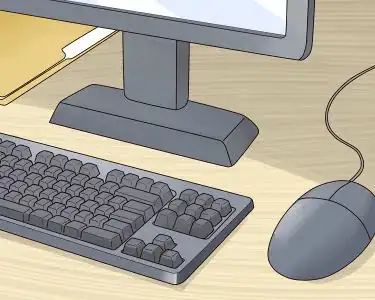
Sit at a Computer
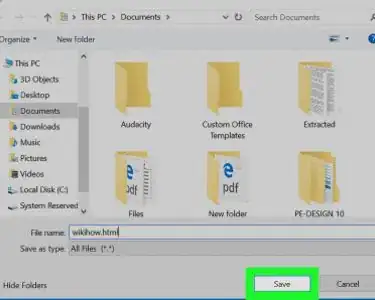
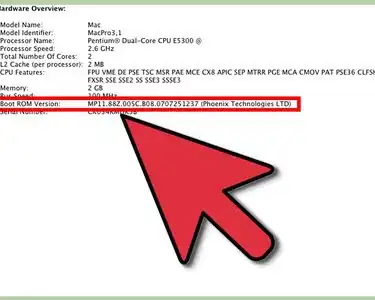
Check BIOS Version

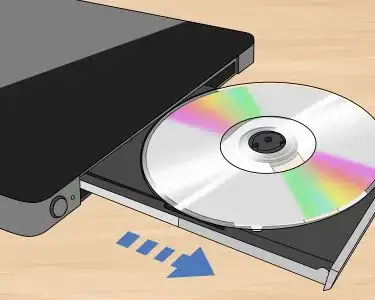
Burn MP4 to DVD
Use Print Screen
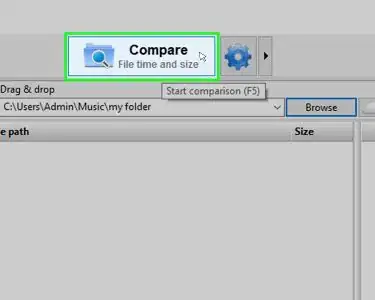
Synchronize Folders
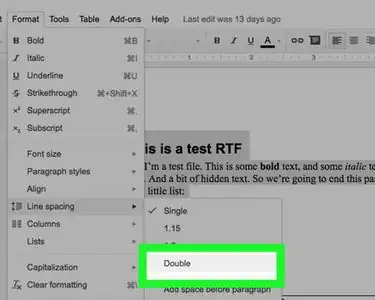
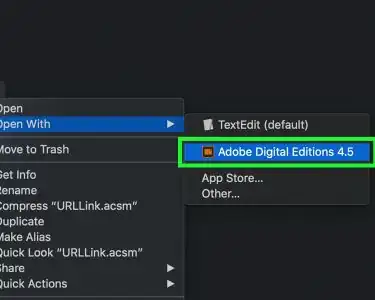
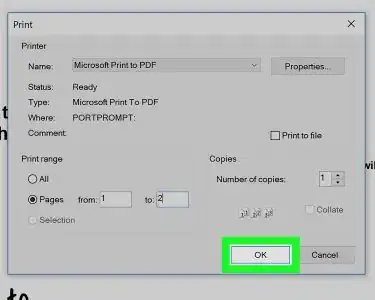
Print a Webpage

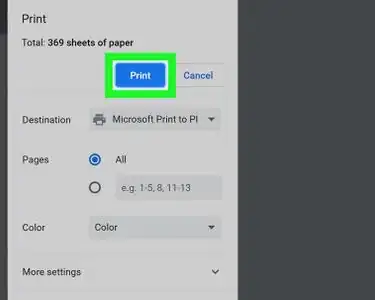
Print a Document




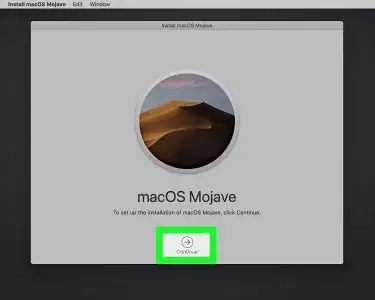
Reset Your Computer

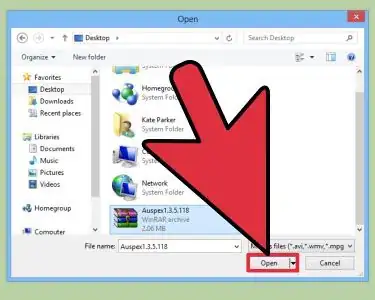
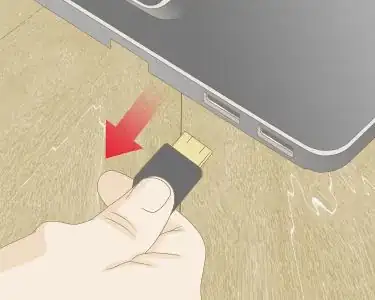
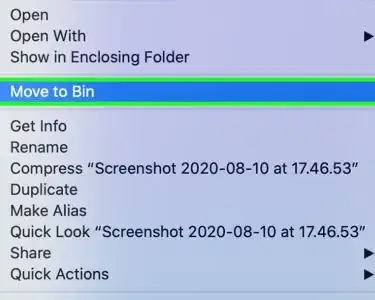

Use Predictive Text


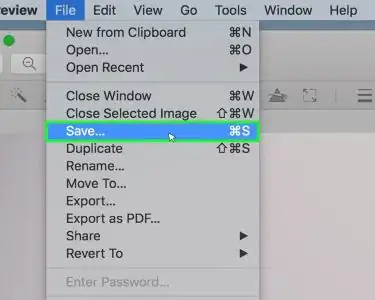
Edit Images on a Mac
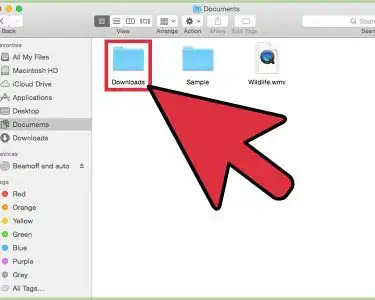
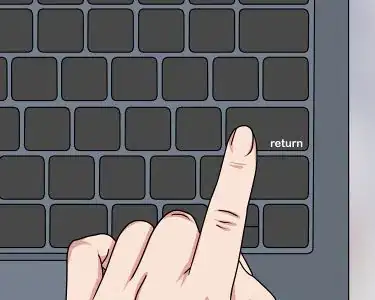
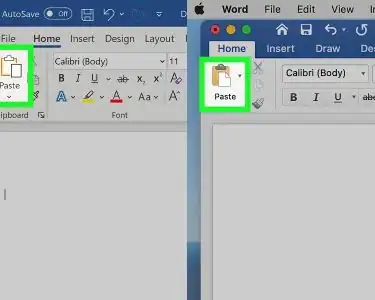
Cut and Paste
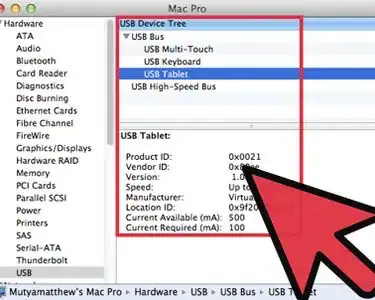
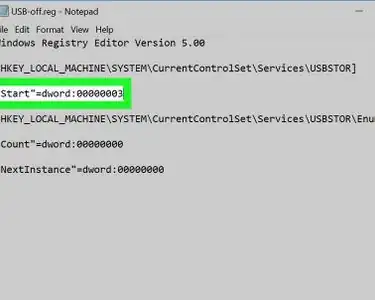
Disable USB Ports
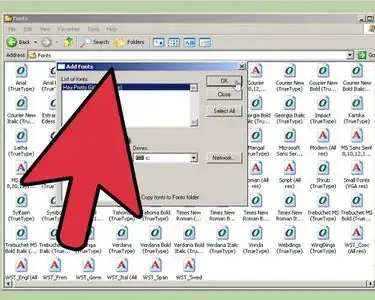
Install Fonts
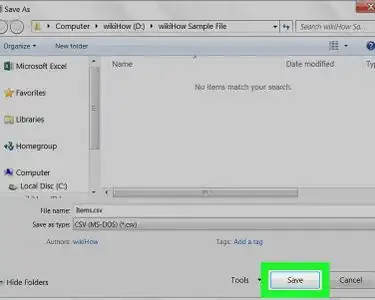
Convert XML to Excel
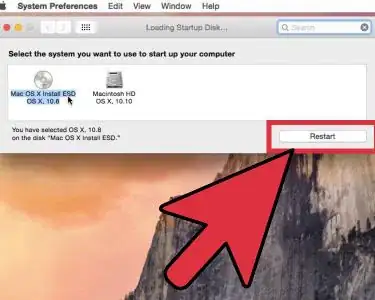
Insert Boot Media
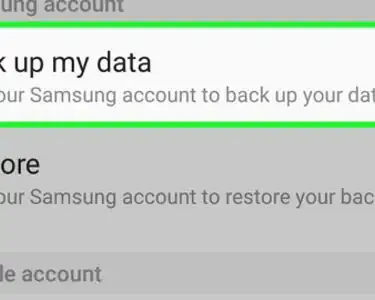
Exit Safe Mode