X
wikiHow is a “wiki,” similar to Wikipedia, which means that many of our articles are co-written by multiple authors. To create this article, volunteer authors worked to edit and improve it over time.
This article has been viewed 8,124 times.
Learn more...
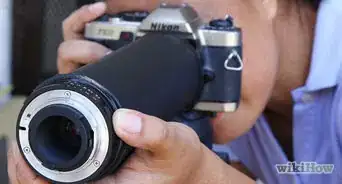
If you want to take time-lapse photos or photos at night, an intervalometer is a great tool to have. It allows you to do things that your camera might not be able to, on its own. Before you can begin using it, you will need to make adjustments for your brand of intervalometer.
Steps
-
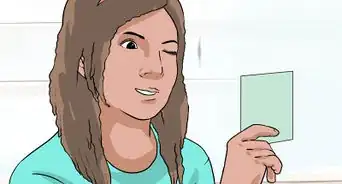
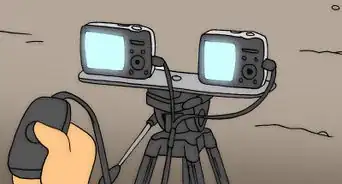
1Make sure that the intervalometer that you get will attach to your camera. Just because it's for a Nikon, doesn't mean it's for your Nikon.
-
2Put some thought into what your different settings will be. They will vary, depending on what you are trying to do.Advertisement
-
3Press your SET button. Then, using the left/right arrows that you will see there, select DELAY, then press SET again.
-
4Change the delay by pressing the up/down arrows to get the best one for you.
-
5Set the delay. Your delay will be the time/interval before taking the photographs.
-
6Choose the LONG option and make the same adjustments. You will use this with the BULB setting of your camera. If you are taking long exposure shots, you will be using this option.
-
7Set the INTVL (interval). This is the time between photographs. Be sure that you give your camera time to actually take the picture before you have it take another one. Remember that RAW files (while they have more information) will take longer to write to the camera. You will have more information to work with, though, so be sure you know what you want. Some suggested delays are:
- Astrophotography: ~20 - 25 seconds
- Clouds: ~3 - 10 seconds
- Posing: Whatever time you think it will take to pose. If you want to make a time lapse with it, be sure to have all of the images with the same background.
-
8Decide on the number of photographs that you want (N).
-
9Choose if you want sound (the little music note). If you are out in the wild taking photos of animals, you won't want any beeps to be scaring the wildlife. If posing, you might want the sound.
-
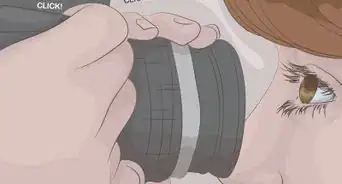
10Use the button at the bottom of your intervalometer for when you want to take photos without touching the camera. This comes in handy when you are shooting portraits, pets, landscapes, etc. It keeps your camera from moving at all and increases the odds of getting clear photographs.Advertisement


Things You'll Need
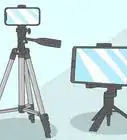
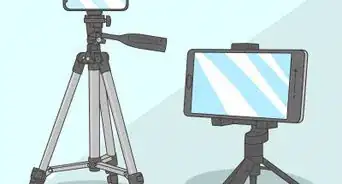
- Tripod
- Intervalometer
- Camera


References
About This Article
Advertisement