X
wikiHow is a “wiki,” similar to Wikipedia, which means that many of our articles are co-written by multiple authors. To create this article, volunteer authors worked to edit and improve it over time.
This article has been viewed 29,640 times.
Learn more...
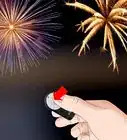
The bulb setting allows for long exposure; usually for shots like night photography or shooting fireworks. This article will show you how to do that with the Nikon D70.
Steps
-
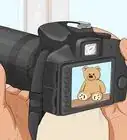
1Set the Nikon to Manual mode. That is the only way that you can shoot in bulb mode.
-
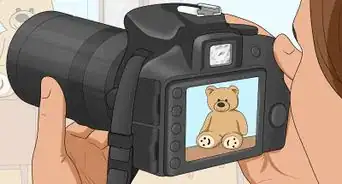
2Be sure your camera is in Manual and so is your focus.Advertisement
-
3Holding the camera like you are going to use it, turn the sub-command dial[1] (the one in front, counterclockwise until you see bulb appear.
-
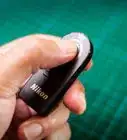
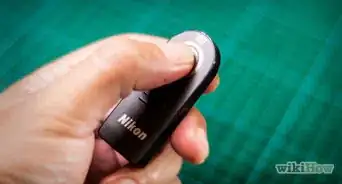
4Get the remote control (ML-L3). These two steps are important to the process.
-
5Set the camera on a tripod. Long exposures will not work handheld.
-
6Hold down and turn the Main Command dial (back of camera) until the remote (or remote and timer) icon shows.
-
7Prepare your shot. Put everything together the way you want it. Successful night shots take a bit more preparation than other ones.
-
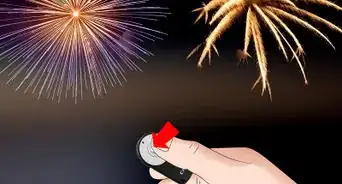
8Press the button on the remote once. This starts the image.
-
9Press the button again. This ends the shot. Be aware that it will end the shot automatically after thirty minutes.Advertisement





References
- ↑ http://www.nikonusa.com/pdf/manuals/dslr/D70_en.pdf
- Information found here
About This Article
Advertisement