X
wikiHow is a “wiki,” similar to Wikipedia, which means that many of our articles are co-written by multiple authors. To create this article, volunteer authors worked to edit and improve it over time.
This article has been viewed 93,726 times.
Learn more...
Twibbons are small overlays that can be added to your Twitter avatar photo or image to display a cause or interest that you believe in, follow, or promote. A number of Twibbons have a "use-by" date, however, if they relate to a time-specific event. Or, you might simply want to rotate causes, or free up your avatar image again. This article explains how to remove the Twibbon.
Steps
-
1Return to the Twibbon homepage. This is located at http://www.twibbon.com.
-
2Sign in. You can sign in using your Twitter name if wished - the link is at the top right hand corner of the page.
-
3Click on the dropdown list besides your login name.
-
4Click on the "History". This is where you will find the "Avatar History" retained since you joined Twibbon.
-
5Go through your different. Select the one that you want to remove and click on "Hide this". The avatar image you have selected will be removed as your profile image.
-
6Check your Twitter account to see your new avatar. Be patient if the avatar image does not revert on Twitter - it may be immediate, or it can take up to 24 hours for this change to come through.


Method 1
Method 1 of 1:Alternate method
Method 1
-
1Change your original avatar by going to Twitter. This can be found at: https://www.twitter.com.
-
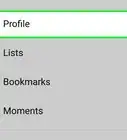
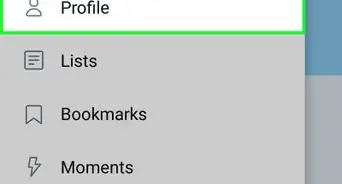
2click "Edit Profile" button.
-
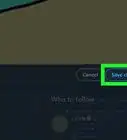
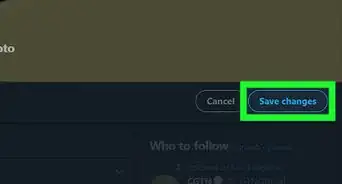
3The first option will be "Picture". You have the options to "Change Image" or "Delete Image". Choose whichever you prefer.
-
4Place your new avatar on Twitter. The Twibbon will have been removed because you have removed the avatar image that carried it. Upload either your original avatar or a new one, as wished.


Things You'll Need
- Twitter account
- Twibbon account












References
- http://www.twibbon.com - research source