This article was co-authored by wikiHow Staff. Our trained team of editors and researchers validate articles for accuracy and comprehensiveness. wikiHow's Content Management Team carefully monitors the work from our editorial staff to ensure that each article is backed by trusted research and meets our high quality standards.
The wikiHow Tech Team also followed the article's instructions and verified that they work.
This article has been viewed 9,525 times.
Learn more...
This wikiHow teaches you how to join a closed group on Facebook. Closed groups show up in all searches and timelines, but only group members can see posted content.
Steps
-
1Open the Facebook app on your Android device. The Facebook icon looks like a white "f" in a blue box.
- If you're not automatically logged into Facebook on your device, you will need to sign in with your phone number or email address and your password.
-
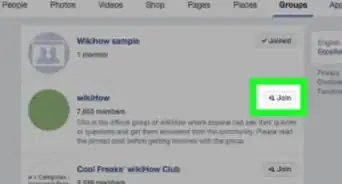
2Find a closed group. Use the Search field at the top of your screen and tap SEE ALL, or discover new groups under Suggested Groups on your timeline.
-
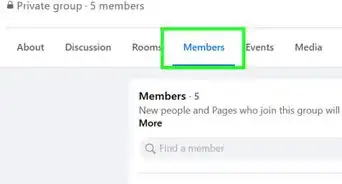
3Tap on the closed group you want to join. This will bring up the closed group's welcome page including the cover photo, the intro text, and the number of members in the group.
-
4Tap Join Group. This is the large blue button below the group's cover photo at the top of the page.
- Depending on group settings, you might have to wait for an approval by a group member or admin. If you need approval, the Join Group button will turn into Cancel Join Request. You can cancel your request to join the group by tapping this button.
-
5Swipe left under Related Groups. This will be right below the group's cover photo after you tap Join Group. You can browse a list of similar groups here, and maybe find another group you might want to join.
-
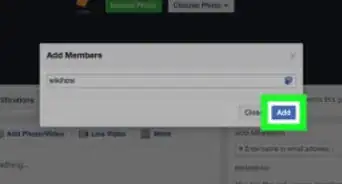
6Ask a friend to add you to a closed group. If you have a friend who's already a member of a closed group, they might be able to add you without a join request or admin approval. Talk to your friends and find out if they can add you to a closed group.




About This Article

1. Open the Facebook app.
2. Find a closed group.
3. Tap on the group.
4. Tap Join Group.
5. Swipe left under Related Groups.