This article was co-authored by Darlene Antonelli, MA. Darlene Antonelli is a Technology Writer and Editor for wikiHow. Darlene has experience teaching college courses, writing technology-related articles, and working hands-on in the technology field. She earned an MA in Writing from Rowan University in 2012 and wrote her thesis on online communities and the personalities curated in such communities.
This article has been viewed 2,113 times.
Ruby is one of the most popular programming languages that you can easily use on any computer. This wikiHow will teach you how to install Ruby on Ubuntu using the package manager. As of late 2020, the current repository version is 2.7.0, which you may need to replace in the coding with a current version.
Steps
-
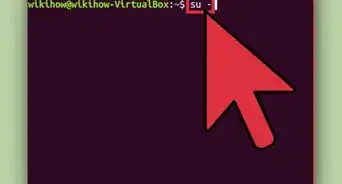
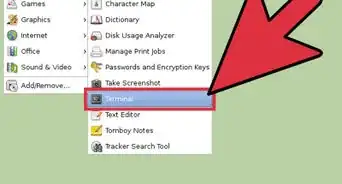
1Open Terminal. You can press Alt + Ctrl + T together.[1]
-
2Enter the following code and press ↵ Enter:
sudo apt update
sudo apt install ruby-full
- Once the installation is complete, verify the installation version.
Advertisement -
3Enter ruby --version and press ↵ Enter. You should see something like this:
ruby 2.7.0p0 (2019-12-25 revision 647ee6f091) [x86_64-linux-gnu]
Advertisement



About This Article

1. Open Terminal.
2. Type sudo apt update and press Enter.
3. Type sudo apt install ruby-full and press Enter.