X
wikiHow is a “wiki,” similar to Wikipedia, which means that many of our articles are co-written by multiple authors. To create this article, 19 people, some anonymous, worked to edit and improve it over time.
This article has been viewed 83,657 times.
Learn more...
Once you have decided to migrate to open source software, you will need to do some basic installing. This page offers some elementary and generic information on installing. For more detail, search for the particular program you are interested in.
Installing open source software depends on your operating system. This is a how-to compilation for multiple operating systems; read the appropriate section for your OS.
Steps
Method 1
Method 1 of 2:
Linux/Unix/Unix-Like Systems
Method 1
-
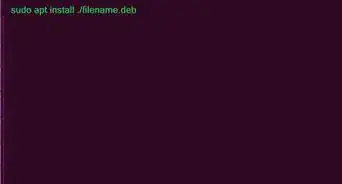
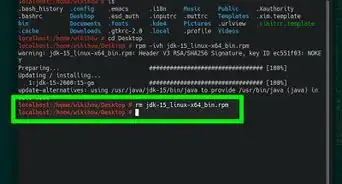
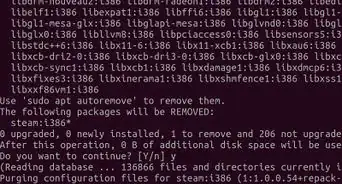
1For most such systems, you can probably use the OSs package manager to install a pre-built binary package. This is always the recommended method.
-
2Alternatively, you could follow these steps:
- Download and uncompress the source code.
- In the terminal, move into the extracted directory.
- Run "
./configure" to configure the software. - Run "
make" to compile the software. - Run "
make install" to install the software.


Method 2
Method 2 of 2:Microsoft Windows
Method 2
-
1Acknowledge that Windows is not a friend of open source software. This is also because it does not come with the make build system, so compiling from source code is harder. You will need to install a precompiled version.
- Go to the project website.
- Check for ports of the program. Find a port for either Windows or your version of Windows.
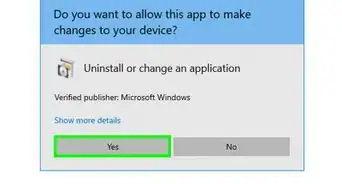
- Download and run the installer.
- Once installed, shortcuts will likely be created.

Warnings
- Installing or replacing critical system components can be dangerous. Make sure you know what you are doing.Thanks!