X
wikiHow is a “wiki,” similar to Wikipedia, which means that many of our articles are co-written by multiple authors. To create this article, volunteer authors worked to edit and improve it over time.
This article has been viewed 24,528 times.
Learn more...
Docky is unarguably the most popular docking application among the Linux community. As its developers say, Docky may as well be the "finest dock no money can buy." In this article, you will find out how to install the bleeding-edge version of Docky in Ubuntu from its official PPA.
Steps
-
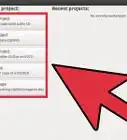
1Enable third party and community software repositories from your "Software Sources"
-
2Start the legendary Linux terminal from Accessories>Terminal
-
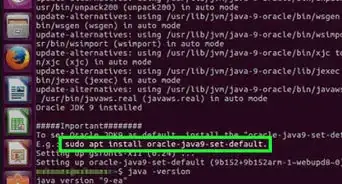
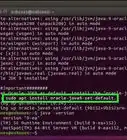
3Punch in these commands without the quotes:
- "sudo add-apt-repository ppa:docky-core/ppa"
- "sudo apt-get update"
- "sudo apt-get install docky"
- Then start Docky from Accessories>Docky
-
4Run Docky after installation and you will see Dock bar at the bottom of the desktop.


Warnings
- Only for Ubuntu and its spin-offs like SuperOS, PinguyOS etcThanks!
- You must have GNOME and a compositing manage like compiz or beryl enabled.Thanks!
Things You'll Need
- Ubuntu Linux