X
wikiHow is a “wiki,” similar to Wikipedia, which means that many of our articles are co-written by multiple authors. To create this article, 16 people, some anonymous, worked to edit and improve it over time.
This article has been viewed 56,147 times.
Learn more...
The shape tween in Flash can be used to transform shapes with ease. You can make a triangle a circle, a trapezoid a parallelogram, or a humpback whale a bottle of mustard with a few clicks of the mouse. Read on to find out how to do this cool effect.
Support for Adobe Flash ends in December 2020. After that time, it will no longer be possible to use Flash.

Steps
-
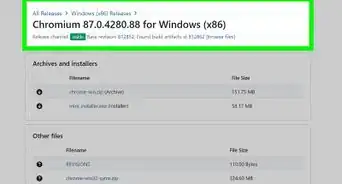
1Open Flash If it is not on the start menu or on the desktop, you can find it on Computer at Boot drive\Program Files\Macromedia\(Macromedia) Flash (version).
-
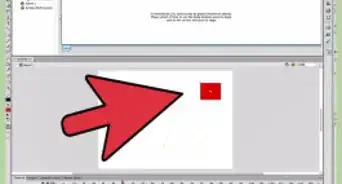
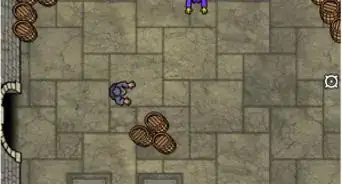
2Draw the first shape.Advertisement
-
3Insert a new keyframe To do this, right click (control click for Macintosh computers) the current keyframe and click insert keyframe.
-
4Draw the second image on the second keyframe. This is what the first image will morph into.
-
5Reselect the first keyframe.
-
6Right click on the first keyframe and choose Create Shape Tween.
-
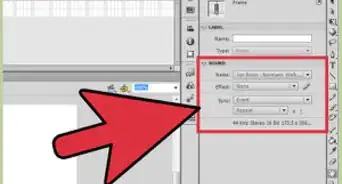
7Set the ease There should be a little slider that appears under the menu afterwards. The higher the ease is, the faster it will go at the start and the slower it will go at the end. 0 indicates no ease.
-
8Drag the second keyframe to however many frames you want the tween to be.Advertisement


Warnings
- As always, save your work!Thanks!
Advertisement



About This Article
Advertisement