wikiHow is a “wiki,” similar to Wikipedia, which means that many of our articles are co-written by multiple authors. To create this article, 46 people, some anonymous, worked to edit and improve it over time.
This article has been viewed 259,318 times.
Learn more...
Animations are fun to watch; they're enjoyable and humorous, but have you ever considered making one yourself? Making animations are just as fun as watching them, but they can be difficult, too. In this guide, you'll learn how to make a simple and good animation with Adobe Flash!
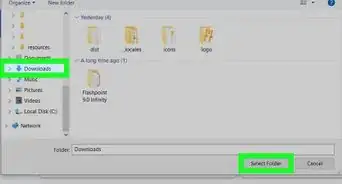
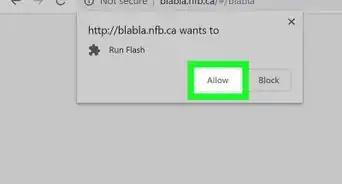
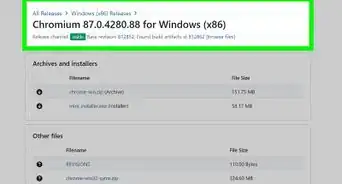
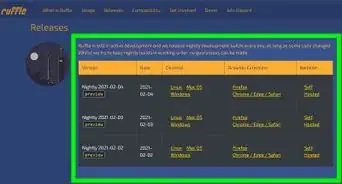
Support for Adobe Flash Player ends in December 2020. After that time, it will no longer be possible to use Flash Player to export Flash content. Use Ruffle for emulation instead (ruffle.rs).
Steps
-
1Open Macromedia Flash 10
-
2Choose frame 1 on the timeline which is located above the canvas.
-
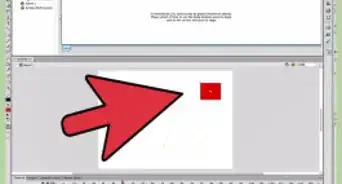
3Draw whatever you want to in your first frame (eg: a stick figure).
-
4Choose the next frame depending upon the length of your animation. The larger the difference between the frames, the longer the animation.
-
5Right click on the frame and click "Insert KEYFrame".
-
6Right click anywhere between the first and the last frame and select "Create Motion Tween". Now the same picture you drew in the first frame will appear in the last frame you made.
-
7Edit this picture in any way. You can change its size, position or other effects such as alpha, tint, etc. They appear when you right click on the object and click "Properties".
-
8Press Ctrl+↵ Enter to view the animation.
-
9Play around and experiment. There is a lot more to flash animation than just this.


Community Q&A
-
QuestionHow do I create a project?
 Community AnswerWhen you open the software you will see 3 columns: one for opening already-made projects, and the next for making new ones. Click on "Flash Document" and your new project is started.
 -
QuestionHow do I test out an animation I am making in Flash?Community AnswerIn the tabs at the the top, you choose "Control" and then "Test Movie." You can also press Ctrl + Enter.
-
QuestionHow do you save an animation?
 Community AnswerTo save an animation, click in File and then select Save.
 -
QuestionDo I have to download something to do animation?Community AnswerYes, you have to download the macromedia flash software. You can find it on Google.
Things You'll Need
- Macromedia Flash MX or similar version of Macromedia Flash.
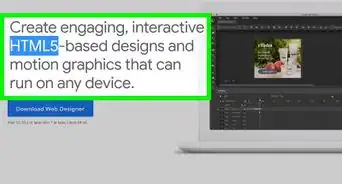
- You can go to the Adobe website and download a one month version of Flash CS3 if you want to give Flash a try.

-Step-10-Version-3.webp)