X
wikiHow is a “wiki,” similar to Wikipedia, which means that many of our articles are co-written by multiple authors. To create this article, volunteer authors worked to edit and improve it over time.
This article has been viewed 16,034 times.
Learn more...
Some websites that have forms require you to fill in a little bit about yourself through a "more than one line" box. If you are developing and site that requires a form and want to require your user to add these types of details with these blocks, the steps required may encourage you to visit this article. This article will explain how to add one of these boxes to your HTML form.
Steps
-
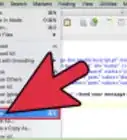
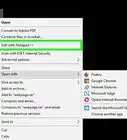
1Open a simple text editing program such as Notepad, WordPad, TextEdit, etc.
-
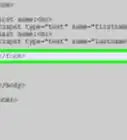
2Type all preceding HTML text that you want before the big block text box.Advertisement
-
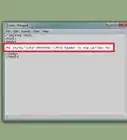
3Denote a label for the item using the <p> tag.
-
4Type the <textarea> tag.
-
5Conclude this tag with a </textarea> tag.
-
6Type the proceeding HTML text that you want for the remainder of the document.Advertisement


About This Article
Advertisement