This article was written by Travis Boylls. Travis Boylls is a Technology Writer and Editor for wikiHow. Travis has experience writing technology-related articles, providing software customer service, and in graphic design. He specializes in Windows, macOS, Android, iOS, and Linux platforms. He studied graphic design at Pikes Peak Community College.
This article has been viewed 2,791 times.
This wikiHow teaches you how to attack in Clash of Clans. Attacking in Clash of Clans is the fastest way to gain resources and trophies. It is also one of the most entertaining parts of the game.
Steps
-
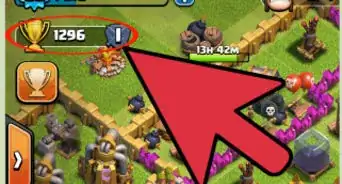
1Open Clash of Clans. It has an orange icon with the face of a guy with a yellow helmet. Tap the icon to open Clash of Clans. Allow a minute or two for the game to load. Your village appears when the game finishes loading.
-
2Press the Attack! button. It's in the lower-left corner of the screen with your village. It has an icon of a map. This displays a map with locations to attack.Advertisement
-
3Tap a location to attack. Available locations are marked with an orange circle on the map. Tap a location you want to attack.
- Search for a base with good loot and weak defenses. The amount of loot is listed at the bottom of the screen when you tap a location.
-
4Tap Attack. It's the button below the location you tapped on the map. This initiates the attack.
-
5Tap an attack unit type. The unit types you have available are listed at the bottom of the screen. The number of each available unit type is listed in the lower-right corner of their image.
-
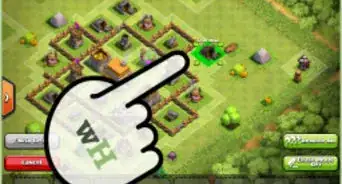
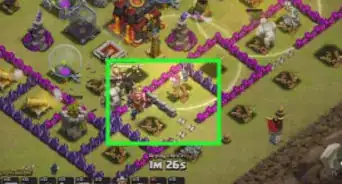
6Tap the screen to deploy units. This deploys units starting from the location that you tap. The units will automatically attack the nearest target. Tap nearest the target you want them to attack.
- You can also tap and hold to deploy all available units at once.
-
7Tap Return Home. Once the battle is complete, the green button that says Return Home appears at the bottom of the screen that displays the battle results. Tap this button to return to your village.
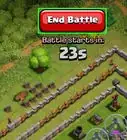
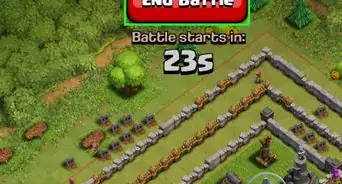
- You can end a battle at any time by tapping the red button that says End Battle on the left side of the screen.
Advertisement


Warnings
- Be careful not to drop your spells by accident.Thanks!





About This Article

1. Open Clash of Clans.
2. Tap Attack!
3. Tap on a location to attack.
4. Tap Attack.
5. Choose a unit type.
6. Tap on the screen to deploy the unit.
7. Tap Return Home once the battle is over.