This article was co-authored by Darlene Antonelli, MA. Darlene Antonelli is a Technology Writer and Editor for wikiHow. Darlene has experience teaching college courses, writing technology-related articles, and working hands-on in the technology field. She earned an MA in Writing from Rowan University in 2012 and wrote her thesis on online communities and the personalities curated in such communities.
You can use the append method to add additional items to lists in Python. This wikiHow will teach you how to add items to a Python list.
Steps
-
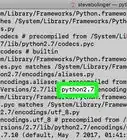
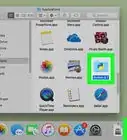
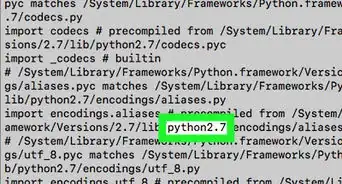
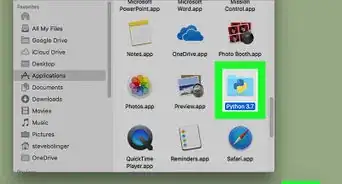
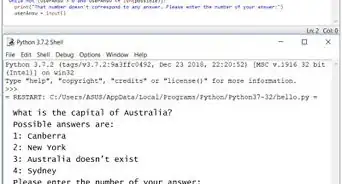
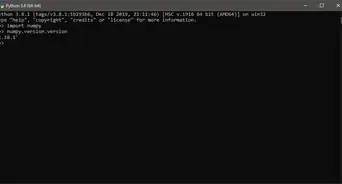
1Open the Python interpreter. This is the Python software you installed from the Python website.
- It opens to look like a command line prompt or Terminal.
-
2Enter append() and press ↵ Enter or ⏎ Return. This command will add an item to the end of your list. [1] For example, if your current list looks like
1, 2, 3
And you add code that looks like this:
append(5)
Then your list will be
1, 2, 3, 5
- To add multiple items, use extend() instead of append()[2]
Advertisement -
3Use insert() to add an item to a specific position and press ↵ Enter or ⏎ Return. For example, if you have a list that looks like
1, 2, 4
And you want to insert a 3 between 2 and 4, enter
insert(4, 3)
Advertisement







References
About This Article

1. Open the Python interpreter software.
2. Enter append() and press Enter or Return.
3. Use insert() to add an item to a specific position and press Enter or Return.