X
wikiHow is a “wiki,” similar to Wikipedia, which means that many of our articles are co-written by multiple authors. To create this article, 10 people, some anonymous, worked to edit and improve it over time.
This article has been viewed 160,111 times.
Learn more...
Installing software in Linux is different from Windows in that it is done via repositories. It can help to think of package managers as the equivalent of an advanced version of Add/Remove Programs in Control Panel in Windows. This way programs can be virus checked before the user installs them.
Steps
Method 1
Method 1 of 3:Command-line
Method 1
-
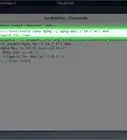
1In OpenSuse - zypper addrepo
In Mandriva - urpmi.addmedia
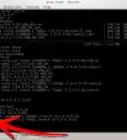
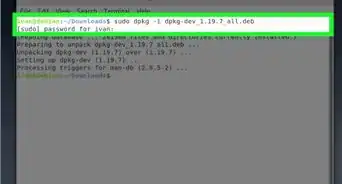
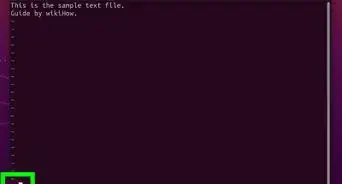
In Debian or Ubuntu - open and edit "/etc/apt/sources.list"
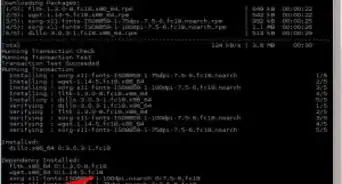
In Fedora -"/etc/yum.repos.d/". -
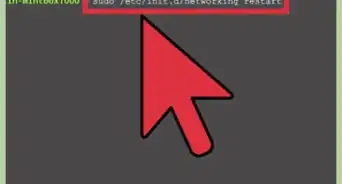
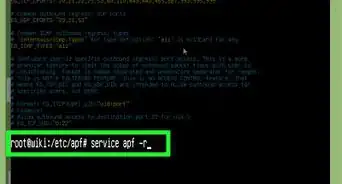
2Enter the root password to save itIn Debian - su nano /etc/apt/sources.listIn Ubuntu - sudo nano /etc/apt/sources.listIn Fedora - su nano /etc/yum.repos.dIn OpenSuse - su zypper addrepoIn Mandriva - su urpmi.addmediaAdvertisement


Method 2
Method 2 of 3:Graphical (Adept)
Method 2


Method 3
Method 3 of 3:Graphical (Synaptic)
Method 3


Community Q&A
-
QuestionWhat exactly is a repository in Linux?
 Meme3Community AnswerA repository in Linux is a location from which you're able to retrieve application packages when installing software.
 -
QuestionHow do I uninstall Katoolin?
 SomoneCommunity AnswerYou can search for it in the start menu, right click it and select "Remove." You usually are required to enter your password to authenticate, and then the program will be uninstalled.
About This Article
Advertisement