X
wikiHow is a “wiki,” similar to Wikipedia, which means that many of our articles are co-written by multiple authors. To create this article, 10 people, some anonymous, worked to edit and improve it over time.
This article has been viewed 126,339 times.
Learn more...
Red Hat is the basis of PC, Linux OS, Mandriva and Fedora. If your distro doesn't include all the software you want, you can install additional software from the internet (whether you have broadband or dial-up) or removable media. This can be accomplished graphically or using the command line.
Steps
-
1Understand that in Linux, software is bundled in packages which can be downloaded from repositories (repos). Installation tools are called package managers which automatically resolve dependencies on other software libraries.
-
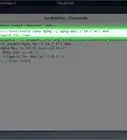
2Now for the command line. Open a root shell/terminal.Advertisement
-
3Type the root password.
-
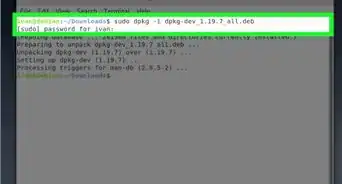
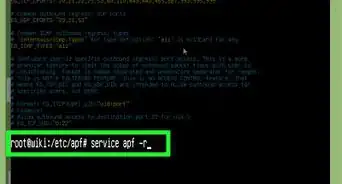
4To update the package lists type yum check-update
-
5Type yum install "program name".
-
6For example, to install the Dillo web browser, you would type yum install dillo.
-
7Confirm by pressing Y.
-
8You're done!Advertisement


Community Q&A
-
QuestionHow do I install IP messenger in Red Hat Linux?
 Community AnswerIP messenger in Red Hat Linux is not available for Apple or DELL-- it is only available in PC Windows 10.

External links
About This Article
Advertisement