X
wikiHow is a “wiki,” similar to Wikipedia, which means that many of our articles are co-written by multiple authors. To create this article, volunteer authors worked to edit and improve it over time.
Learn more...
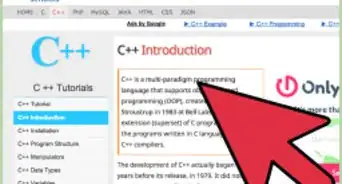
A for loop is one of the most common structures of coding in computer science. It differs from other loops in that it defines a set range of iterations for a certain code block.
Steps
Part 1
Part 1 of 2:Before Starting to Code
Part 1
-
1Understand the use of a for loop. A for loop is used when a programmer knows exactly how many times they want a specific block of code executed.
-
2Understand the syntax of a for loop. It's shown here: for (initial; condition; increment)
- Initial is the first component to be executed and it initializes the loop's variables.
- Condition determines whether the program continues running the for loop or move on to the next line of code. The condition is evaluated at the beginning of each loop and if true, the body of the loop is executed. If not, the code moves onto the next line after the for loop.
- Increment (can also be a decrement) is executed at the end of every loop of a for loop's code block to modify the variable it is controlling. If no change in the value of the variable is wanted, the statement can remain empty as long as there is a semicolon after the condition.
-
3Determine the inputs. Commonly a for loop will use a variable to be initialized, conditioned, and incremented. Decide what you want the output to be and how many times you want the output to be executed.
Part 2
Part 2 of 2:Writing a For Loop
Part 2
-
1Open a compiler. Open up the program and the project that will incorporate a for loop.
-
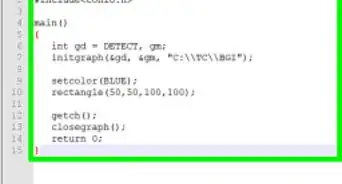
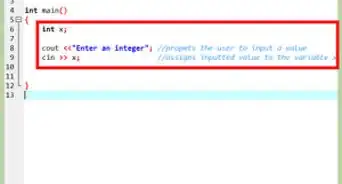
2Write in the basic program structure that will contain the for loop. This includes the directives (i.e. #include) and the main function (i.e. int main () ).
-
3Declare the variable identifier. Commonly these will be the data type int or double.
-
4Write in the for loop syntax. Remember to replace the initial, condition, and increment statements with the inputs that were pre-determined.
-
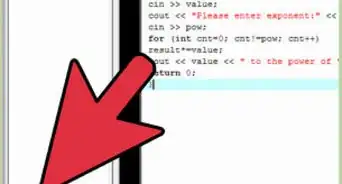
5Write in the desired lines of code inside the for loop. Include a set of curly brackets after the line of the for loop syntax and place the code inside.
-
6Evaluate the code. Make sure the compiler is not sending warnings of potential errors in the code. Go through the code line by line and consider each line's effect to make sure it is doing what it is intended to do.
-
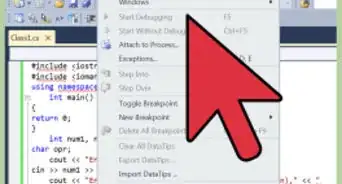
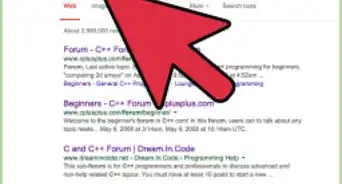
7Run and debug. If there are no errors, the program should run and the code block within the for loop should execute for the exact number of times the user has defined. If there are errors, check for syntax, run-time, logical, linker, and semantic errors.


-Step-16-Version-3.webp)
-Step-16-Version-3.webp)