X
wikiHow is a “wiki,” similar to Wikipedia, which means that many of our articles are co-written by multiple authors. To create this article, volunteer authors worked to edit and improve it over time.
This article has been viewed 24,149 times.
Learn more...
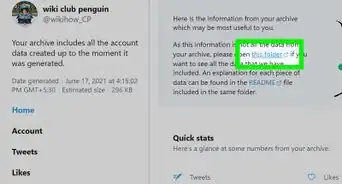
Once you've downloaded your Facebook archive folder, you'll want to know how to use it. This article can explain how to read and utilize the folder.
Steps
-
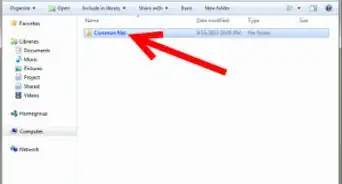
1Open the Facebook ZIP folder you downloaded from the email.
-
2Extract the folder to it's own extracted folder. The Facebook main archive searchable folder will only open to be searched, once it's been fully extracted.
-
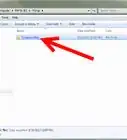
3Open the index.html file that is located at the bottom of the folder that has opened up. This file should work now.
-
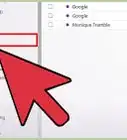
4Look at the left column on the page. This column will help you sort through what portion of your profile you can narrow your search down to. On top of the default view (Profile), you also have to choose between several other views (Contact Info, Wall, Photos, Synced Photos, Videos, Friends, Messages, Pokes, Events, Settings, Security, and Ads).
-
5Breeze through the long list over on the right hand column. This long list of information will list all items in the category. Although each item is it's own separate entry, there are no links you can click to get you to the right section of the page back on the Facebook page. If you need to adjust something, make a mental note of the change, and fix when you are back online.
-
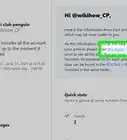
6Look over the format of each item. Each item contains the date and time above the line that contains the action.
-
7Look for lines that don't have a date and time attached to them. These are lines that contain status messages or comments (shared with some links) you've posted to Facebook.


Things You'll Need
- Facebook account and activity over a select period of time
- Downloaded Facebook archive folder of data