X
wikiHow is a “wiki,” similar to Wikipedia, which means that many of our articles are co-written by multiple authors. To create this article, 11 people, some anonymous, worked to edit and improve it over time.
This article has been viewed 76,001 times.
Learn more...
This tutorial will show you how to use your Linksys WAG200G as a WiFi range extender or access point.
Steps
-
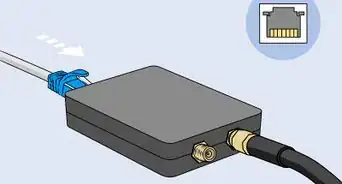
1Plug your router into your computer.
-
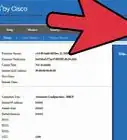
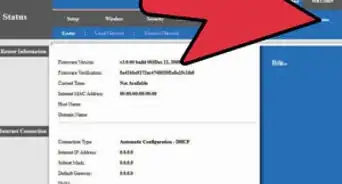
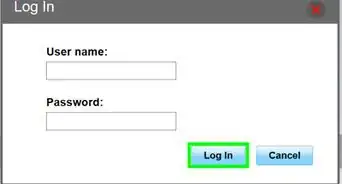
2Open your browser and go to http://192.168.1.1 and log in. Once you are logged in you should see this page.Advertisement
-
3Change your settings.
- Change the first drop down box to "Bridge Mode Only".
- Then in the "Network Setup" change the "Router IP" to 192.168.1.2 (or something similar).
- Finally change the "Network Address Server Settings (DHCP)" to "DHCP Relay" and the IP to your new router's IP address.
- Your router page should look similar to this:
-
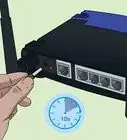
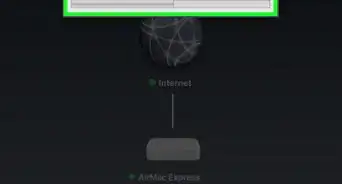
4Unplug the Linksys WAG200G from your computer and plug it in to the new router. You now have a WiFi range extender/access point.
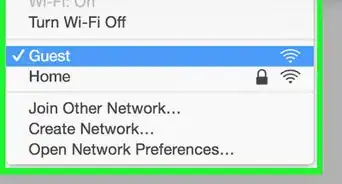
- Note: The default SSID is "linksys." It is recommended that you change it to the same as your new router. You should also change the channel to the same as the new router.
Advertisement



About This Article
Advertisement