X
wikiHow is a “wiki,” similar to Wikipedia, which means that many of our articles are co-written by multiple authors. To create this article, 9 people, some anonymous, worked to edit and improve it over time.
This article has been viewed 21,684 times.
Learn more...
Some people are very new to computers, and don't know how to turn them on and vice versa. With the help of this article, you'll learn it quickly.
Steps
-
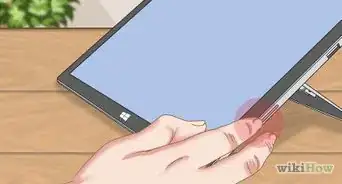
1Turn it on by pressing the power button.
-
2Wait for the computer to start up.Advertisement
-
3If you have multiple user accounts, select one.
-
4Log on. If you have a password, type it.
-
5Do whatever you want, but be careful when surfing the internet.
-
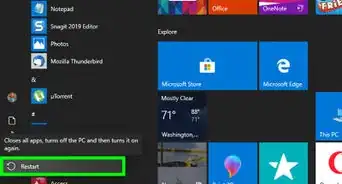
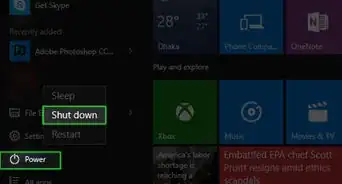
6To turn it off, click Start, and click the Shut Down button.Advertisement


Community Q&A
-
QuestionHow do I turn on my computer?
 Community AnswerPress the power button and follow the steps in this article.
 -
QuestionWhat if my keyboard doesn't have power button?
 infinity JKACommunity AnswerLook for a power button on the PC itself. Sometimes the keyboard doesn't have a power button but the PC does.
 -
QuestionDo I need to make password or I can just put anything in the password?
 Community AnswerIf your computer is a newer model, the password for your Windows PC is the same as the password you used to create a Microsoft account online. If it is an older model, the password is one you put in when you set up the computer.
 -
QuestionDoes how hard I press the button constitute how hard the computer turns on?
 Community AnswerNo, it doesn't have any effect on how the computer turns on.
 -
QuestionMy power is out and I don't have any way to entertain myself besides my desktop. How do I turn it on in that situation?Community AnswerYou cannot turn on your desktop if the power is out. Most desktops do not have batteries to make it run without power.
Warnings
- Don't try this on a Mac or any other operating system such as Linux, etc.Thanks!
Advertisement


About This Article
Advertisement