X
wikiHow is a “wiki,” similar to Wikipedia, which means that many of our articles are co-written by multiple authors. To create this article, 17 people, some anonymous, worked to edit and improve it over time.
This article has been viewed 35,068 times.
Learn more...
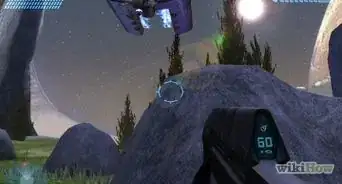
Sword cancelling in Halo 2 is actually very easy to do.
Steps
-
1Have an Xbox/Xbox 360 and Halo 2.
-
2First find someone to Sword Cancel to.Advertisement
-
3Target them so that your reticule turns red.
-
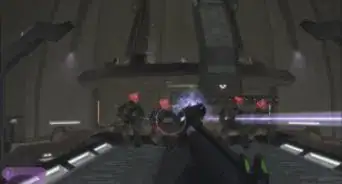
4Hold the right trigger to lunge at them, Press X before you hit them to cancel the attack and do no damage when you hit them. Or you can just press X at the same time you press right trigger.
-
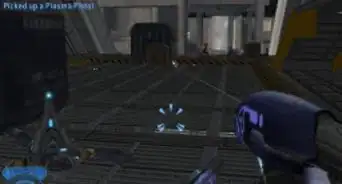
5To lunge at a target from far away, get a rocket launcher and empty out all of the ammunition. Target the person with the rocket launcher, and press Y and the right trigger, do that combo rapidly and then if it don't work just do it again, rapidly doing it will make it more likely to not work. If done properly, the sword will think it is locked on and you will lunge at the target, no matter how far away.
- If you have a Xbox or Xbox 360 that has never connected to Xbox Live and updated Halo 2, this will still work. Otherwise Bungie has updated your game and fixed this.
-
6An alternative method is to target with the sword and press X, B, then R rapidly.Advertisement


Warnings
- When using a weapon to Sword Cancel you may accidentally shoot them, if there is any ammunition in the weapon.Thanks!
- If you have Xbox Live, then "Sword Flying" with the rocket launcher/sniper has been removed. Your Xbox will automatically download a patch to "fix" this fun glitch. Bad Bungie!Thanks!
- Don't do this on Xbox Live. Users may report you and you could get a short ban.Thanks!
Advertisement
Things You'll Need
- Energy sword
- Optional: Ranged weapon
- Over shield
- Halo 2
- Xbox/Xbox 360

References
About This Article
Advertisement