This article was written by Nicole Levine, MFA. Nicole Levine is a Technology Writer and Editor for wikiHow. She has more than 20 years of experience creating technical documentation and leading support teams at major web hosting and software companies. Nicole also holds an MFA in Creative Writing from Portland State University and teaches composition, fiction-writing, and zine-making at various institutions.
The wikiHow Tech Team also followed the article's instructions and verified that they work.
This article has been viewed 1,400 times.
This wikiHow teaches you how to browse for a hotel in Google Maps when you’re using a computer.
Steps
-
1Go to https://maps.google.com in a web browser. You can use any web browser on your computer to access Google Maps.
-
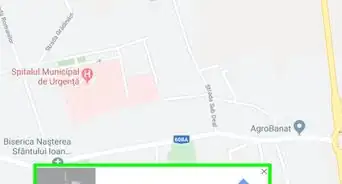
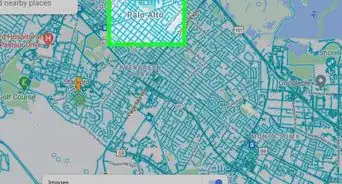
2Search for a location. Type an address, city, or landmark into the search bar at the top-left corner of the screen, then select a match from the search results. This opens a map of that area.
- If you’re looking for a hotel at your current location and the map is already at the right place, skip to the next step.
-
3Type hotels into the search bar and press ↵ Enter or ⏎ Return. The left panel now displays a list of hotels, while the map displays price-tags over their locations.
-
4Adjust the Check In and Check Out dates. This will give you accurate pricing information. Use the drop-down menus at the top-left corner of the screen—the prices on the map will automatically recalculate.
-
5Select your maximum price. Use the “Max price/night” slider beneath the Check In and Check Out dates to cap your results under a certain amount. Again, the prices will recalculate.
- The price is listed per-night, not per-stay.
- Prices do not usually include tax.
-
6Click a hotel to view its details. You can click the price-tag on the map or the hotel’s name in the left panel.
- If the hotel supports online booking, you’ll usually see a link (or several links) that will take you to a site to make your purchase.
- To get directions to the location, click Directions next to the hotel’s name at the top of the left panel.
- To send information about the hotel to your phone, click SEND TO YOUR PHONE below the hotel’s name.


About This Article

1. Open Google Maps.
2. Search for a location.
3. Search for “hotels.”
4. Select your dates.
5. Select a maximum price.
6. Click a hotel to learn more.