This article was written by Nicole Levine, MFA. Nicole Levine is a Technology Writer and Editor for wikiHow. She has more than 20 years of experience creating technical documentation and leading support teams at major web hosting and software companies. Nicole also holds an MFA in Creative Writing from Portland State University and teaches composition, fiction-writing, and zine-making at various institutions.
The wikiHow Tech Team also followed the article's instructions and verified that they work.
This article has been viewed 3,901 times.
This wikiHow teaches you how to find hotels near a location using Google Maps on your Android.
Steps
-
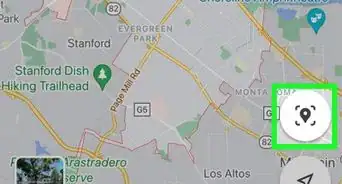
1Open Google Maps on your Android. It’s the map icon typically found on the home screen or in the app drawer.
-
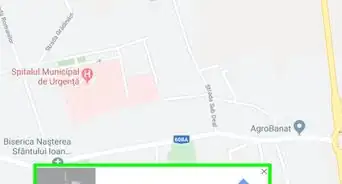
2Tap the search box. It’s at the top of the screen.Advertisement
-
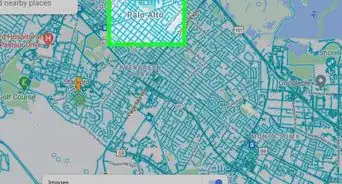
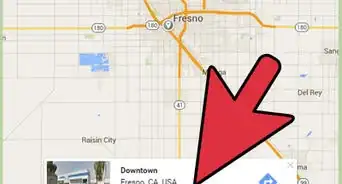
3Type hotels and tap the search key. Hotels in the area are now shown on the map.
- To search for a hotel near a different location, you can search for something like hotels near central park, hotels in cambridge, or hotels near 123 main street.
- To filter your search to show only those hotels that are available on the dates you need, select the dates from the drop-down menus at the top of the screen.
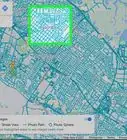
- If you don’t see any hotels (or any that meet your criteria), drag the map around and tap Search this area to view more results.
-
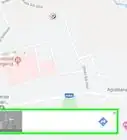
4Tap a hotel to view more information. Hotels are shown on the map with red icons containing white beds. Sometimes you’ll see a rate beneath the icon.
-
5Swipe up on details to view more information. Depending on how much information Google has about the hotel, you may able to book your stay right on this screen.
- Tap Call to contact the hotel directly by phone.
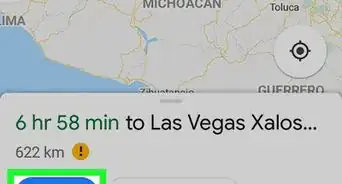
- Tap Directions to find out how to get to the hotel.
- Tap the back button to return to the map at any time.
Advertisement


About This Article

1. Open Maps.
2. Tap the search box.
3. Type “hotels” and tap the search key.
4. Tap a hotel.
5. Swipe up for details.