X
wikiHow is a “wiki,” similar to Wikipedia, which means that many of our articles are co-written by multiple authors. To create this article, 11 people, some anonymous, worked to edit and improve it over time.
This article has been viewed 24,111 times.
Learn more...
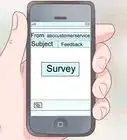
Have you ever wanted to send message (e-mail) to yourself in the past or the future? There is a site that allows any user to send the message (mail) to their future self.
Steps
-
1Go to http://futureme.org/.
-
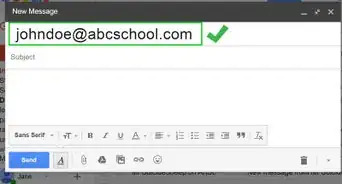
2Enter your email address.
-
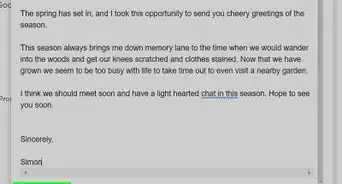
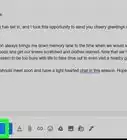
3Write the message for yourself.
-
4Enter any date you want your message arrives.
-
5Decide whether the message is private or public. If it is public every site visitor will be able to read it.
-
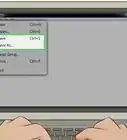
6Send the message.


Warnings
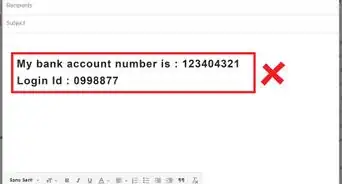
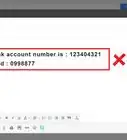
- Enter your email address, preferably one that you will use at least some time in the future because it is not in your interest to send to the address you just open the way for a registration and where you do not plan to check even the next hundred years.Thanks!