X
wikiHow is a “wiki,” similar to Wikipedia, which means that many of our articles are co-written by multiple authors. To create this article, volunteer authors worked to edit and improve it over time.
This article has been viewed 85,799 times.
Learn more...
Eclipse is a very good IDE ( Integrated Development Environment ) for Java Development. You can program easily and efficiently with that. Here are few steps for that :
Steps
-
1
-
2Create a New Java Project.
-
3Create a new class with following File > New > Class..
-
4Enter name of the class and press finish. .
-
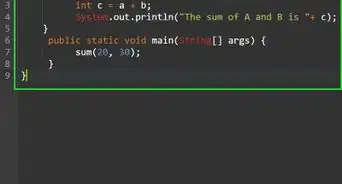
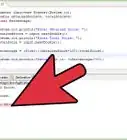
5Enter code statement System.out.println("Hello World"); and Save (Shortcut : CTRL+S).
-
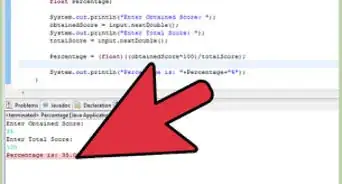
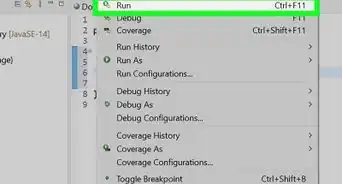
6Run Program as shown in the image..


Warnings
- Avoid placing all the classes in default package.Thanks!
-Step-42.webp)
-Step-4-Version-2.webp)

-Step-42.webp)