X
wikiHow is a “wiki,” similar to Wikipedia, which means that many of our articles are co-written by multiple authors. To create this article, volunteer authors worked to edit and improve it over time.
This article has been viewed 28,536 times.
Learn more...
Recovering deleted or lost files from your pen drive or hard disk files such as video, documents, and lost pictures from digital camera memory is a snap if you follow these steps.i
Steps
-
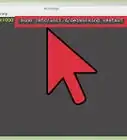
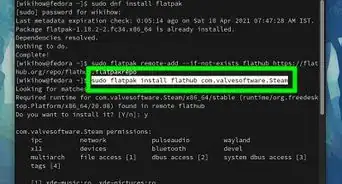
1Install software using command "sudo apt-get install testdisk"
-
2Insert pen drive/disk drive from where you want to recover filesAdvertisement
-
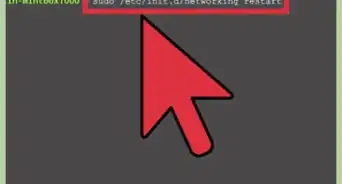
3In 'terminal' type "sudo photorec"
-
4Select disk from where you want to recover files and selecting proceed hit enter
-
5Select proper file system and hit search
-
6Select Filesystem where your files were stored ( it was formatted with Windows or linux )
-
7Select whether you need to scan whole memory to recover all files or from unallocated only
-
8Select Destination folder where you want to store recovered files and hit "C" after selecting
- Recovery Process started and shows status of recovered files
-
9Quit after recovery completes or you can abort.Advertisement


Community Q&A
-
QuestionHow much time does it take to recover?
 Community AnswerIt is not a matter of time, you just need to install the right software. Just be careful not to use your pen drive until you've recovered the files. Otherwise, you might overwrite the old data.


About This Article
Advertisement