PayPal includes a nice feature for making an invoice. the simplest part of PayPal’s invoice is, one can simply modify its contents by adding logos, discount percentages, and merchandise descriptions.PayPal Invoicing makes it straightforward to send trained, bespoke invoices.
If you following these steps, I feel you'll produce and use a PayPal invoice simply. Steps:
1.Log in to your PayPal Business account.
2.Click Tools at the highest of the page, then click Invoicing.
3.Next, choose to produce an Invoice.
4.Add your recipient's email address.
5.To add a reputation or shipping address, click Add shopper details.
6.Enter the things, quantity, price.
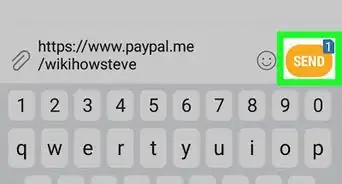
7.Click Send.
If you wish to grasp elaborate concerning making PayPal invoice, you'll be able to follow my article on business globalizer. [[1]]

About This Article