This article was written by Darlene Antonelli, MA. Darlene Antonelli is a Technology Writer and Editor for wikiHow. Darlene has experience teaching college courses, writing technology-related articles, and working hands-on in the technology field. She earned an MA in Writing from Rowan University in 2012 and wrote her thesis on online communities and the personalities curated in such communities.
This article has been viewed 8,027 times.
Using PayPal on your Android is super convenient, but what if you don't have a PayPal account? Don't worry, you can use PayPal as a guest! If you're paying for something on a website, just follow the website's on-screen instructions to check out without logging in to an account. If you purchased something from someone who uses PayPal, you can just have them send you an invoice via email, as invoices don't require accounts for payment.
Steps
-
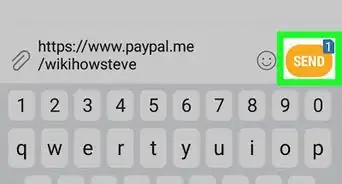
1Request an invoice via email. If you don't have a PayPal account but need to pay someone via PayPal, you can have them send you an invoice through PayPal's website. See How to Send a PayPal Invoice on Android for instructions on sending an invoice.[1]
- If you just want to pay for an item on a website that accepts PayPal, all you'll have to do is select the PayPal payment option, and then follow the on-screen instructions to enter your payment information.
-
2Open the invoice email. This is an email from PayPal that shows the receipt of your purchase. You’ll find this email invoice in the email account you gave the business or person.
- From a website, you can continue your purchase without an account by entering your card information in the "Pay without a PayPal account" header.
-
3Tap Pay Now or View and Pay Invoice. The exact language may vary, but it is generally in the bottom of the email.
- If you don’t see that button embedded in the email, there is a link in that email you can follow as well.
-
4Tap the Debit or Credit tabs.
-
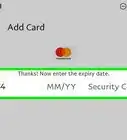
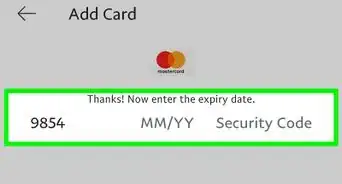
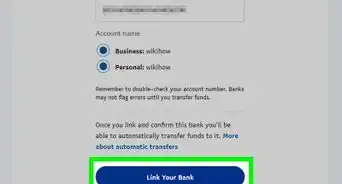
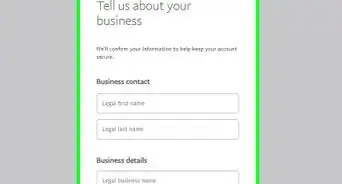
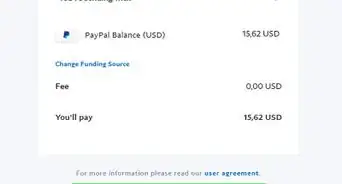
5Enter your payment information. This includes information such as your card number and expiration date, as well as your name, email, and address.
- Credit and debit card payments usually have a fee.[2]
-
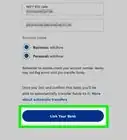
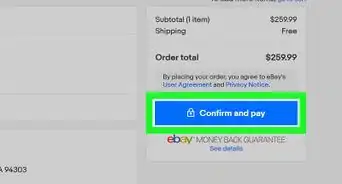
6Tap Review and Continue. It's at the bottom of the form. This submits your payment without requiring an account.



References
About This Article

1. Tap Pay Invoice in your email.
2. Tap the Credit or Debit tabs.
3. Enter in your payment information.
4. Tap Review and Continue.