X
wikiHow is a “wiki,” similar to Wikipedia, which means that many of our articles are co-written by multiple authors. To create this article, 23 people, some anonymous, worked to edit and improve it over time.
This article has been viewed 136,334 times.
Learn more...
Adobe Dreamweaver is a very useful program -- if you know how it works. To expedite the process of using this program to make a webpage, you'll need to know a few tricks. And then you'll be armed and ready to start creating!
Steps
-
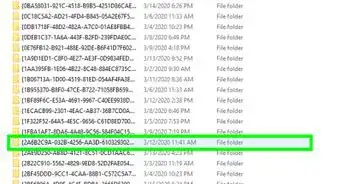
1Create a folder in the hard drive (not in Dreamweaver) and name it whatever you want. This is your root folder.
-
2Inside this folder create 4 sub-folders and name them: Images, Flash, Pages, and Other.Advertisement
-
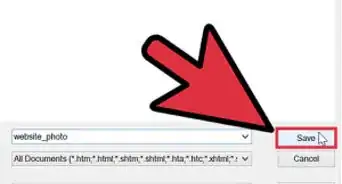
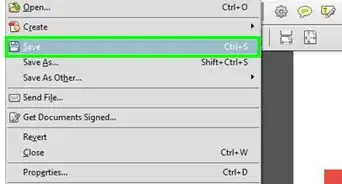
3Go into Dreamweaver and click on HTML. Save this page into your root folder as Home Page.
-
4Get Started.
-
5Dreamweaver is a little bit screwy so to put images, buttons, etc where you want them you have to add in tables. Go to insert, new table. You can set it to as many cubes as you want. It's a little tricky to get it where you want but a little playing with it works.
-
6If you want to, you can insert buttons by going to insert, form, button. Once you get it, you can right click on it and look for the page you want to connect it to or type in the url of the site.
-
7You can also use flash text and you can add in pictures.
-
8When adding a picture, do not copy/paste it. Go to insert, image and then search for the pic you want. Again, Dreamweaver is a little screwy.
-
9To change the background color and font go to modify, page properties, and it's self explanatory from there.
-
10That should get you on the right track!Advertisement


Community Q&A
-
QuestionWhat is the use of style sheet in a website?
 Community AnswerIt enhances the style/format of the webpage. It results in beautiful designs for your website/webpage.
 -
QuestionIf you don't have a domain name, what then?
 Community AnswerThat involves a service and a fee. A common one used is "GoDaddy.com."
Warnings
- Dreamweaver can be frustrating, so try not to get too annoyed with it.Thanks!
Advertisement
About This Article
Advertisement