X
wikiHow is a “wiki,” similar to Wikipedia, which means that many of our articles are co-written by multiple authors. To create this article, 11 people, some anonymous, worked to edit and improve it over time.
This article has been viewed 21,340 times.
Learn more...
This will provide you with information on how to make a powerpoint presentation about getting a cell phone.
Steps
-
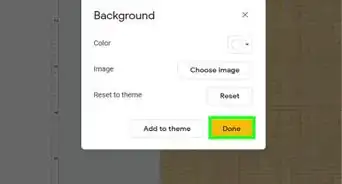
1Slide 1 should have a "Hello," a picture of a cell phone, and your name. Use a funky background color.
-
2Slide 2 should have a teenager talking on a cell phone on the left. On the right there should be 3 cool mobile facts.
-
3Slide 3 should have 5 reasons you want the mobile and another mobile picture.
-
4Have the next slide with a picture of a mobile phone and write about how safe it is.
-
5Have another picture of a mobile phone on slide 5, with a list of your friends with cell phones.
-
6Have a list of four things you would do around the house if you received a cell phone on slide 6.
-
7For slide 7, have 2 pictures of cell phones and a friendly "Good-bye."


Things You'll Need
- A computer.
- Microsoft Powerpoint software.
- An Internet connection.