X
wikiHow is a “wiki,” similar to Wikipedia, which means that many of our articles are co-written by multiple authors. To create this article, 11 people, some anonymous, worked to edit and improve it over time.
This article has been viewed 57,619 times.
Learn more...
A chair is a good project for beginners because it teaches many of the basic strategies used in SketchUp.
Steps
-
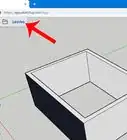
1Open Google SketchUp. Google SketchUp 6 can be downloaded for free at the SketchUp website. This is not hard to do.
-
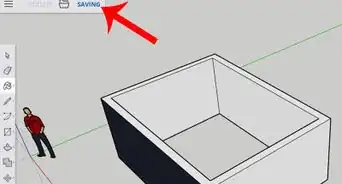
2Create a rectangle and use the PUSH/PULL tool to create a 3D rectangle.
-
3Using the Line tool, draw a side-view 2D chair on one sides of the object.
-
4Use the Push/Pull tool to remove the blocks and shape the chair.
-
5Change your view to under the chair and create a rectangle for the front leg.
-
6Use the Push/Pull tool to push that part away and shape the front legs of the chair.
-
7Repeat steps 5 and 6 for the back legs of the chair.
-
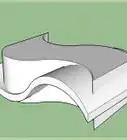
8Increase the height of the backrest of the chair and create an arc near the top using the Arc tool.
-
9Use the Push/Pull tool to shape the final form of the chair.