X
wikiHow is a “wiki,” similar to Wikipedia, which means that many of our articles are co-written by multiple authors. To create this article, volunteer authors worked to edit and improve it over time.
This article has been viewed 77,263 times.
Learn more...
Steps
-
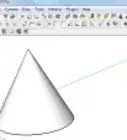
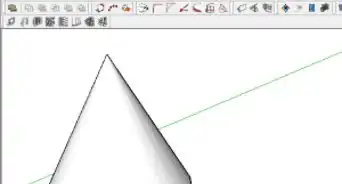
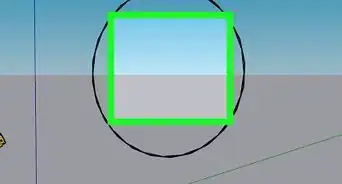
1Create a Circle in SketchUp. Change your perspective and create another circle.
-
2Click on the Pencil tool and draw a line on the bottom of the first circle. This will be used to separate the two halves of it.Advertisement
-
3Click on the Eraser tool and then 'erase' the bottom half.
-
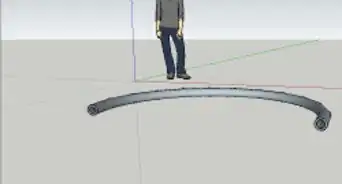
4Change your perspective so that you are looking down from the top, select the bottom circle, click on the Follow Me tool and then click on the 'upright' circle.
-
5Use the eraser tool and erase the circle that created the path. The part that is not part of the dome.Advertisement


Community Q&A
-
QuestionHow do I make a city road in SketchUp?
 Arunkrishna VenkateshCommunity AnswerUse a 3D CAD software like Autodesk or Cura from the websites. You may get the setup from the main website of getintopc. You can edit models and make your own.

About This Article
Advertisement