X
wikiHow is a “wiki,” similar to Wikipedia, which means that many of our articles are co-written by multiple authors. To create this article, 14 people, some anonymous, worked to edit and improve it over time.
This article has been viewed 583,730 times.
Learn more...
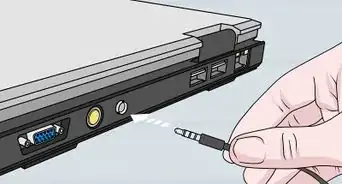
With an aux cable you can connect any portable mp3 or CD player to a stereo that supports aux. You can buy one in Radioshack for around 20 USD or you can make your own for around 2 USD.
Steps
-
1Get a set of headphones and remove the earbuds/speakers and strip the wires exposing the multi-colored leads.
-
2Secondly get another set of headphones and do the same to those leads as well.
-
3Connect the same color wires (positive to positive and negative to negative).
-
4Next take the plain or uncolored copper leads to the same leads that are in. the same circuit as the colored ones (plain to plain that are next to the same colored leads).
-
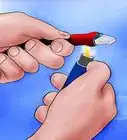
5By twisting or soldering make sure your connections are secure.
-
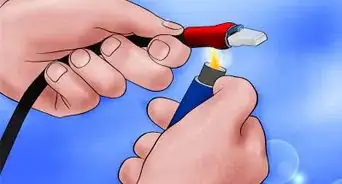
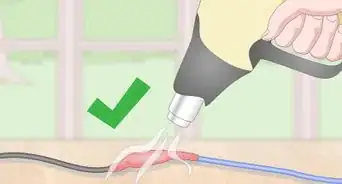
6Seal your connections with either electrician tape or shrink tubing.
-
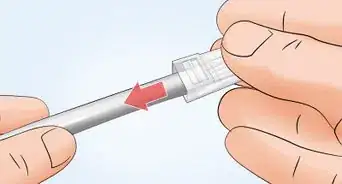
7Your auxiliary jack is ready to connect your mp3 player, cassette player, or CD player to a sound system with an input jack, such as a car stereo or home theater system.


Community Q&A
-
QuestionHow can I turn speaker wires into aux cables?
 Community AnswerJust buy the 3.5 male (aux) ends and grab some wire. Speaker wire usually has 2 insulated wires bonded together, so you'll need a third for the ground. Just grab a spare wire from somewhere to use as the third. Connect all the wire to the aux ends, solder, shrink tube it, braid it, then do the same to the other end. I used 18-gauge wire and get excellent signal.
 -
QuestionCan I use any tape?
 Community AnswerYes, as long as the copper inside the leads doesn't touch (i.e. red to red can't touch blue to blue).
 -
QuestionIn which order should I connect the wires?
 Community AnswerIt doesn't matter, as long as all the wires are connected to the same color and are not touching other pairs (i.e., red cant be connected to blue and the red-red pair cant touch the blue-blue pair).
 -
QuestionDo I need the red and white pin for the speakers or do they always have two?
 Community AnswerSpeakers like that should come with cables that you connect from the speakers to an amp, home theater, etc. Then you connect the aux cord into the system and into whatever you're playing the music from.
 -
QuestionHow do I make an aux cable to connect my phone to my car?Community AnswerThis guide explained creating an aux cable you can use it for your car -- just make it wider!
-
QuestionCan I use any type of earbuds?Community AnswerYes, I used a cheap set from the dollar store that cost a dollar each pair. Some may have different color coding though; if that is the case, just Google and find the proper match.
-
QuestionHow do I make an aux that I can connect to my PC?Community AnswerIt should be the same as if you were to connect to your phone. There is no difference between a 3.5mm jack on your computer, smartphone, speaker, etc.
-
QuestionIs twisting the cable helpful if I don't have access to a soldering iron?Community AnswerNot really. The copper inside of the leads has to be touching (red to red, blue to blue, plain to plain) without touching each other. For example, red cannot touch blue.
-
QuestionCan the aux cable work on a flat screen TV?Community AnswerIt should work on any device with a 3.5 mm jack; so as long as it has that connection, then it will work.
-
QuestionWhat do I do if my aux cable doesn't have any sound?Community AnswerCheck for cable damage. If it seems okay, try again. If it still does not work, you may need to get a new cable.
Warnings
- Get help from somebody if you're using a soldering iron because you can get burned if you have never used one before.Thanks!
Things You'll Need
- Headphones cable
- Microphone cable (there's a possibility that another headphone cable can work too)
- Electric tape
- Soldering iron (optional)
- Something to cut wire with (wire stripper preferable)